How to disable hover cards in Notion
Here is how to disable hover cards in notion
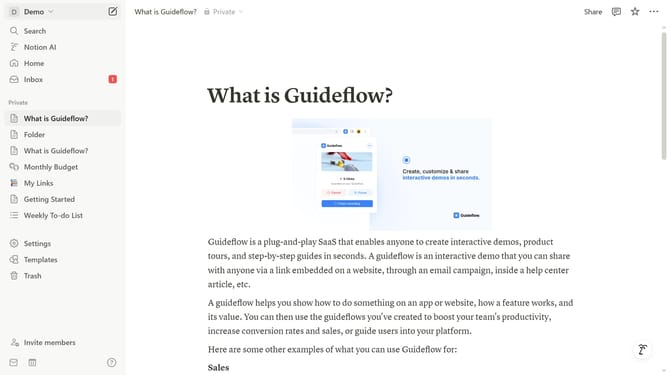
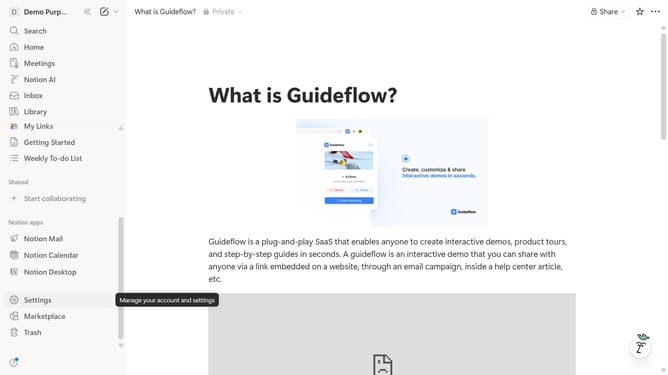
- First click on the workspace dropdown button in the top-left header
- Then click on "Settings" button in the workspace menu
- Next click on "General" option in the left sidebar under Workspace section
- Finally toggle off the "Hover cards" switch in the People settings section
Why should you disable hover cards in Notion
Notion is an all-in-one workspace that helps you organize your thoughts, tasks, and projects seamlessly.
If you find hover cards distracting, disabling them in Notion can enhance your focus and streamline your workflow. Disabling hover cards reduces visual clutter, offering a cleaner interface while navigating your notes and documents.
This feature is particularly beneficial for users who prefer a minimalist view or need an uninterrupted concentration mode when managing extensive projects or detailed content.
Last update