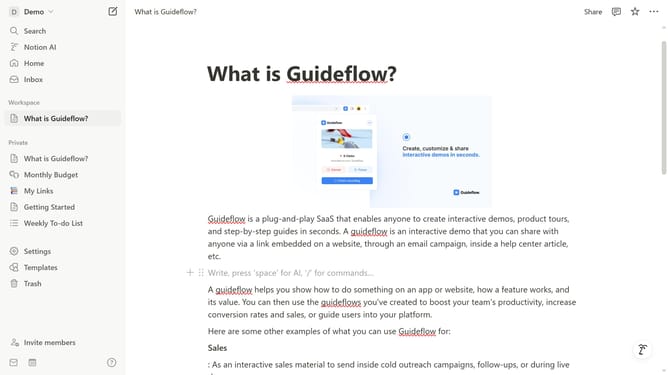
How to add link to page block in Notion
Here is how to add link to page block in notion
- First open the page where you want to add the link to page block
- Then click on the "+" button on the page card
- Then select "Link to page" from the dropdown menu
- Finally select the desired page from the list of pages
Why should you add link to page block in Notion
Notion is a versatile all-in-one workspace that empowers users to streamline their tasks, notes, and projects seamlessly.
Adding a link to a page block in Notion is a feature that enriches user experience by interconnecting content for easy access.
This simple action enhances navigation, allowing for a fluid movement between related topics or resources within your workspace.
Ultimately, incorporating links into your Notion pages leads to an organized and dynamic environment that boosts productivity and clarity.
Last update