How to add heading 4 block in Notion
Here is how to add heading 4 block in notion
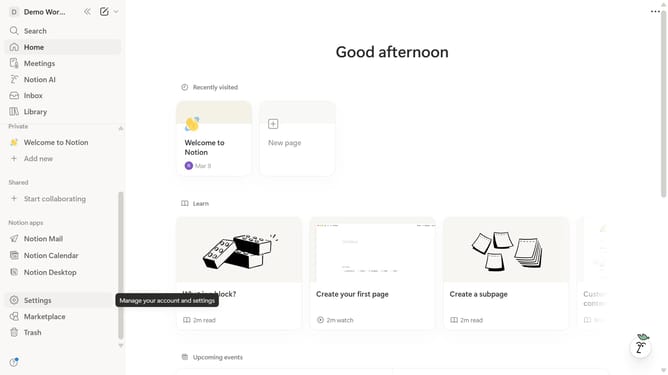
- First, navigate to the sidebar and click on the page you want to open.
- Then, click on the "+" icon to add a new block.
- Finally, select "H4 Heading 4" from the dropdown menu.
Why should you add heading 4 block in Notion
Notion is a versatile tool crafted to streamline your digital workspace.
Adding a heading 4 block in Notion is a dynamic way to organize content, offering a clear hierarchical structure to your documents.
It allows users to break down complex information into manageable sections, enhancing readability and focus.
Using a heading 4 block not only helps in aesthetically organizing data but also supports quick navigation, making it easier to locate and reference important details swiftly.
Last update