How to disable workspace digest email notifications in Notion
Here is how to disable workspace digest email notifications in notion
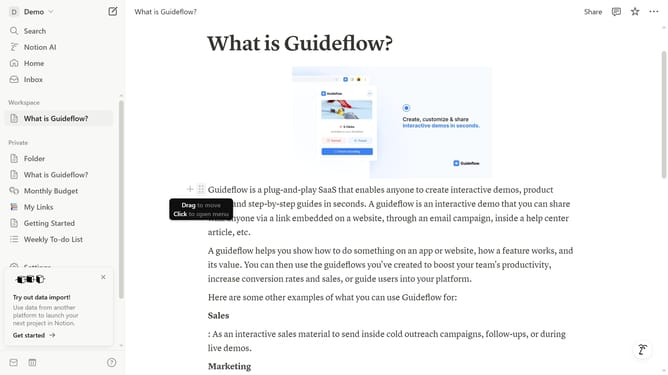
- First click on the "Demo" dropdown button in the top left sidebar
- Then click on "Settings" button in the workspace menu
- Then click on "Notifications" option in the left settings menu
- Finally turn off the toggle switch for "Workspace digest" in the email notifications section
Why should you disable workspace digest email notifications in Notion
Notion is a versatile workspace tool designed to streamline personal and team productivity through organized planning and seamless collaboration.
The feature to disable workspace digest email notifications in Notion allows users to reduce unnecessary email clutter, ensuring only the most pertinent updates are front and center.
This capability enhances focus and efficiency, as users can choose when and how to receive updates, empowering them to maintain an unobstructed digital workspace suited to their unique workflow needs.
Last update