How to show text direction controls in Notion
Here is how to show text direction controls in notion
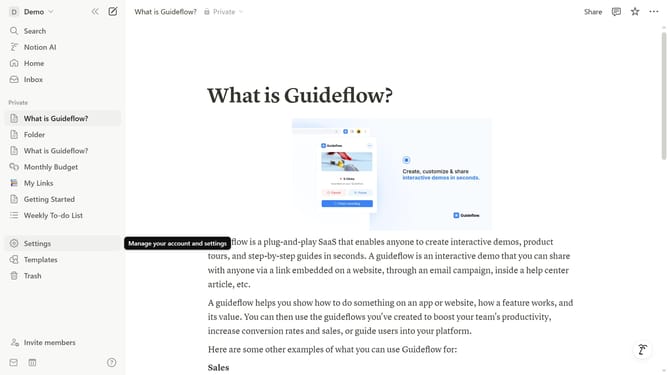
- First click on the workspace menu icon in the top header to open the workspace options
- Then click on "Settings" button in the workspace dropdown menu
- Next click on "Preferences" option in the left sidebar menu under the Account section
- Finally toggle on the "Always show text direction controls" switch in the Language and Time settings section
Why should you show text direction controls in Notion
Notion is a versatile workspace that empowers teams and individuals to organize their tasks and ideas with unparalleled flexibility.
Understanding how to show text direction controls can enhance your user experience significantly in Notion. This feature provides an intuitive way to manage and present content, especially useful for multilingual text entries or right-to-left scripts.
Utilizing text direction controls ensures that your text aligns perfectly, offering clarity and enhancing readability, which is crucial for effectively sharing information and collaborating within diverse environments.
Last update