How to add H1 toggle heading block in Notion
Here is how to add h1 toggle heading block in notion
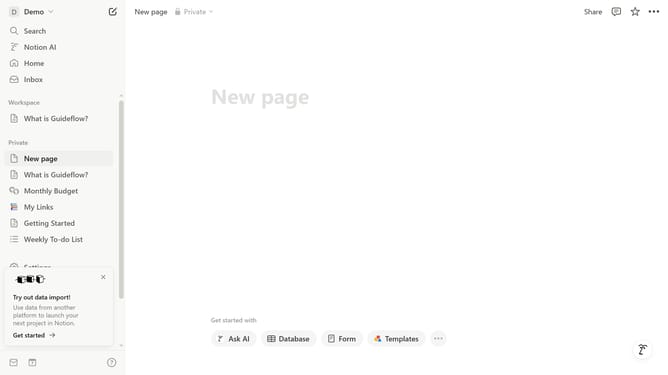
- First open the page where you want to add the H1 toggle heading block
- Then click on the "+" button
- Finally, click on "Toggle heading 1" in the menu
Why should you add H1 toggle heading block in Notion
Notion is a versatile platform designed to empower productivity and organization effortlessly.
The H1 toggle heading block in Notion combines the clarity of hierarchical organization with the interactivity of toggle lists. This feature enhances document readability, allowing users to declutter their workspace by collapsing or expanding sections as needed.
Integrating H1 toggle headings elevates user experience by facilitating streamlined navigation and efficient information retrieval. This feature is especially beneficial in enhancing focus and ensuring that key information is only a click away when you need it.
Last update