How to insert a list between two lists in Trello
Here is how to insert a list between two lists in trello
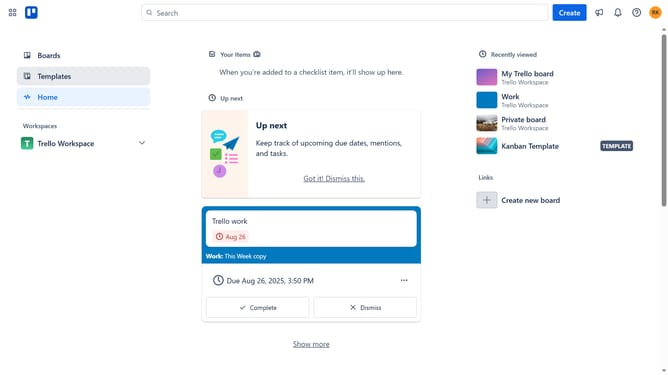
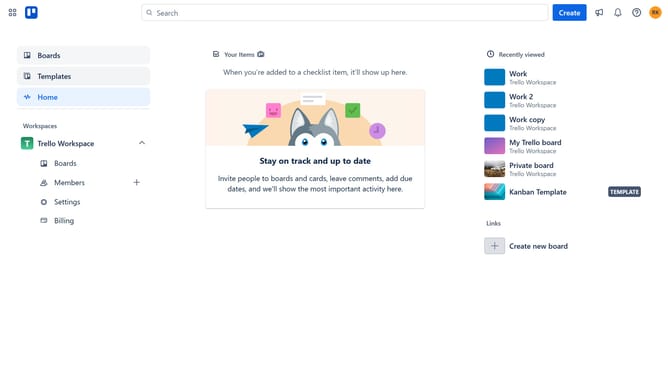
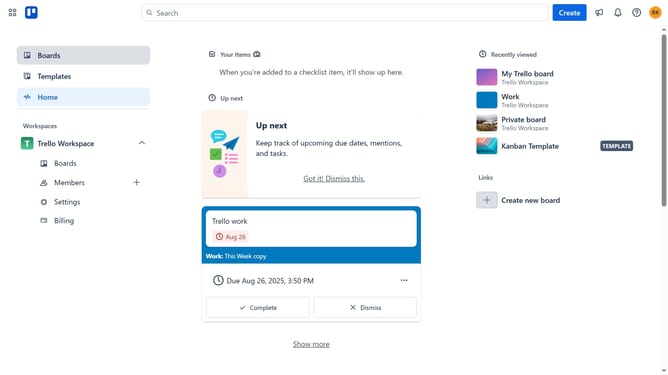
- First click on the "Boards" option in the left sidebar
- Then click on a board tile in the workspace section
- Next double click between the two lists
- Click in the "Enter list name..." input field and type in the desired name for your list
- Finally click "Add list" to create a new list
Why should you insert a list between two lists in Trello
Trello is a dynamic tool designed for effortless team collaboration and project management.
Inserting a list between two existing lists in Trello enhances the organization of your workflow, providing a seamless structure to manage tasks effectively.
This feature allows users to strategically position new lists, keeping related tasks grouped and maintaining a logical sequence. The benefit is a clearer overview and increased productivity, as team members can navigate tasks without confusion.
Given its intuitive nature, Trello ensures even complex projects become manageable, promoting efficiency and clarity.
Last update