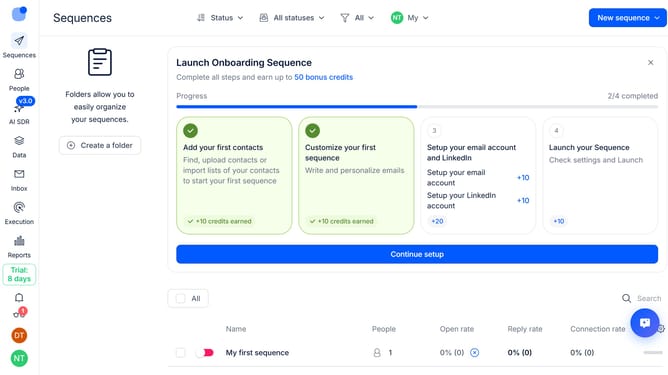
How to hide connection rate column in Reply
Here is how to hide connection rate column in reply
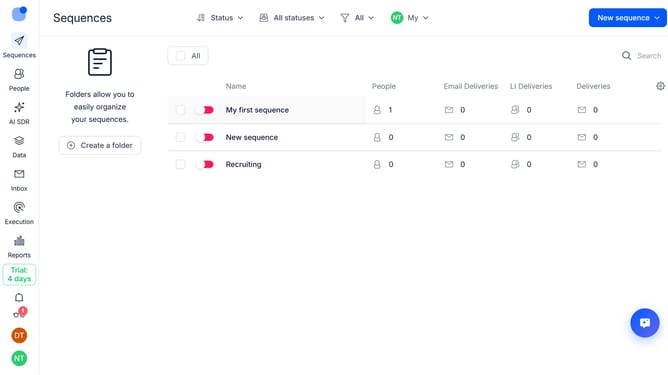
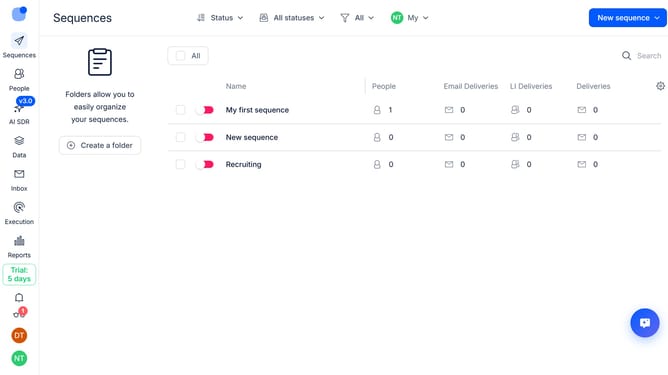
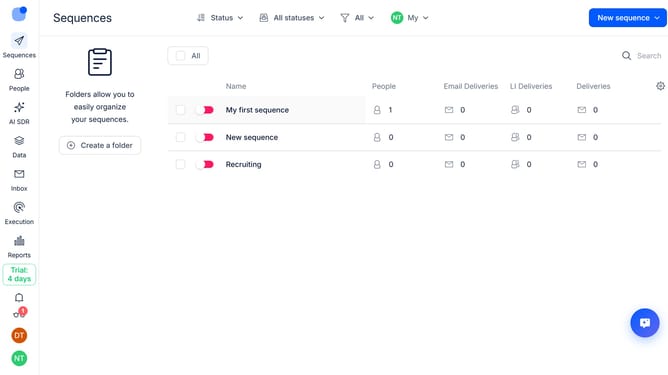
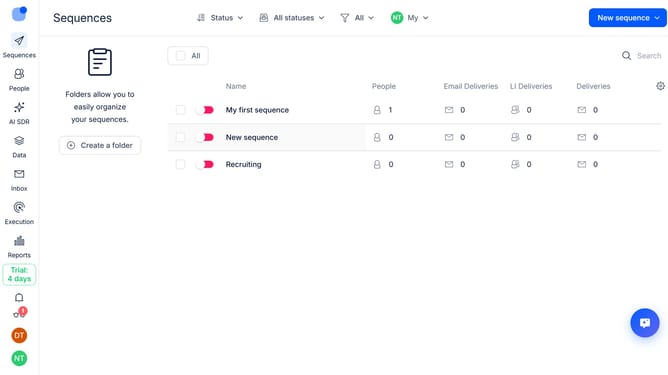
- First click on the "Sequences" item in the left sidebar
- Then click on the "Settings" icon
- Finally click on the "X" button next to the "Connection rate"
Why should you How to hide connection rate column in Reply
Reply.io is a powerful sales engagement platform designed to automate and optimize your outreach processes.
One useful feature of Reply is the ability to hide the connection rate column. This feature enhances your focus by streamlining your view to only the most relevant metrics, ensuring a clutter-free experience.
Hiding the connection rate column can lead to improved efficiency. By concentrating on the data that matters most to your specific goals, you can make quicker, more informed decisions.
Overall, this feature supports a cleaner interface and a more tailored user experience, aligning perfectly with your workflow needs.
Last update