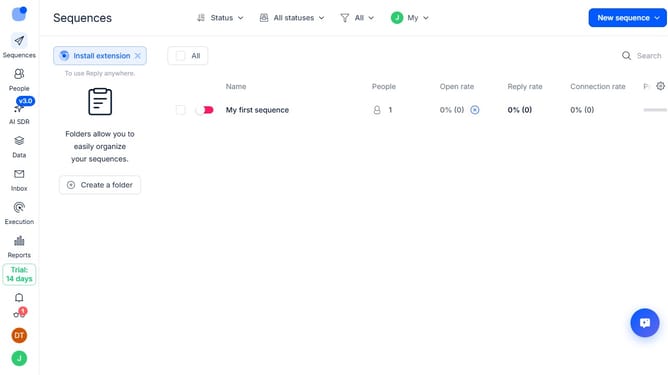
How to enable automatic calls when contacts open emails in Reply
Here is how to enable automatic calls when contacts open emails in reply
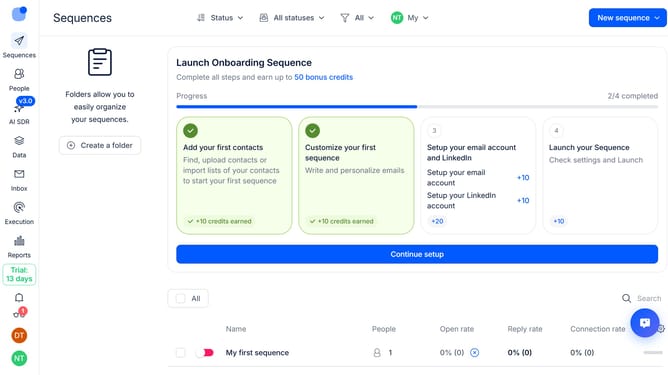
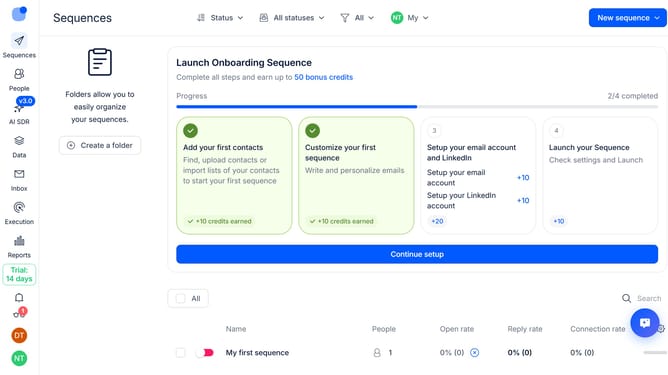
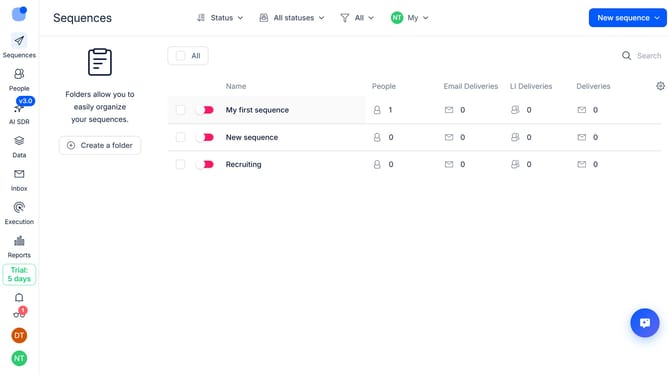
- First click on a sequence where you want to enable automatic calls when contacts open emails
- Then click on the "Settings" button
- Next click on the dropdown arrow for "Calls handling"
- Then toggle on the switch for "Automatically call on opens" option
- Finally click on the "Save settings" button
Why should you How to enable automatic calls when contacts open emails in Reply
Reply.io is a powerful sales automation platform designed to enhance communication and engagement.
The feature to enable automatic calls when contacts open emails in Reply streamlines your workflow by seamlessly integrating calls into your sales process. When a contact opens an email, the system can trigger a call, providing an immediate opportunity to connect and engage while the lead is warm.
This proactive approach increases the chances of conversion by ensuring timely follow-ups, fostering better customer relationships, and ultimately boosting productivity and sales success.
Last update