How to hide the stage column in contacts in Reply
Here is how to hide the stage column in contacts in reply
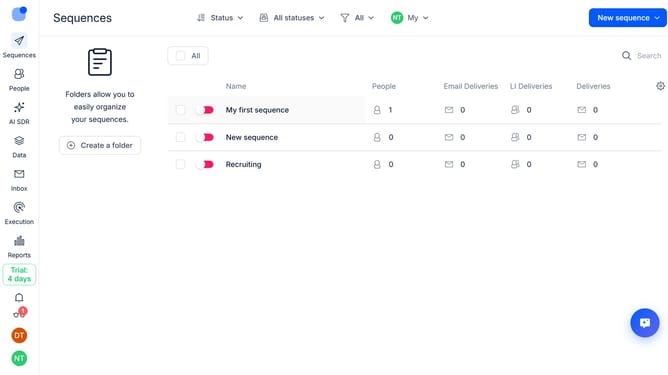
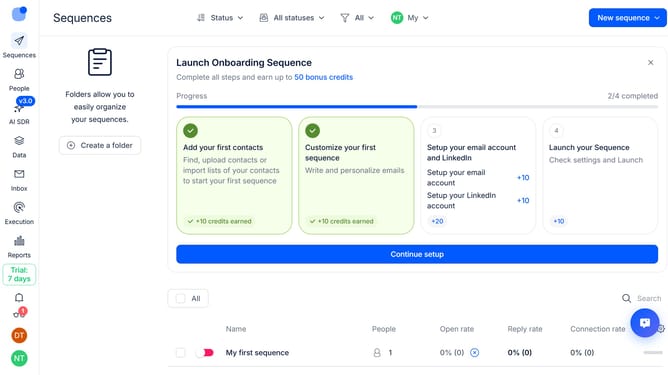
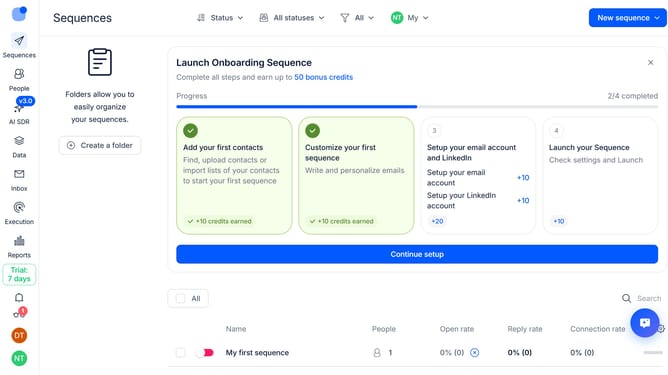
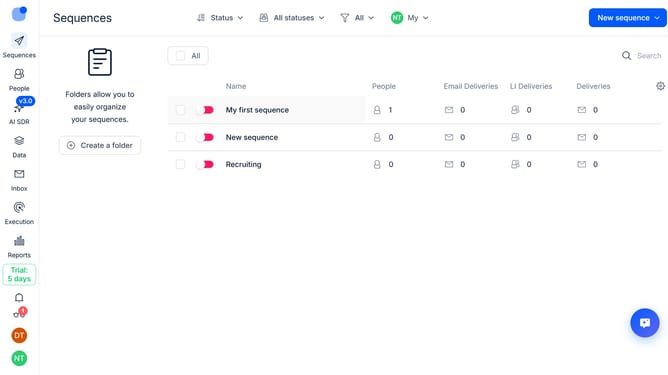
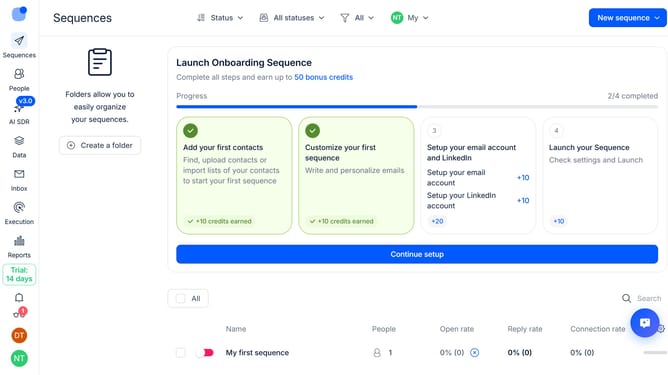
- First click on "People" tab in the left sidebar
- Then click on the "Settings" icon in the top-right of the page
- Finally click on the "X" button next to the "Stage" option
Why should you How to hide the stage column in contacts in Reply
Reply.io is a cutting-edge sales automation platform designed to streamline communication and enhance team productivity.
Among its versatile features, Reply allows users to customize their interface, including the option to hide the stage column in contacts. This feature offers a cleaner view, enabling users to focus on essential information without distraction.
By simplifying the contact list, teams can work more efficiently, accessing the data they need quickly. This customization enhances user experience and supports smoother workflow management, fostering better focus and improved task completion rates.
Last update