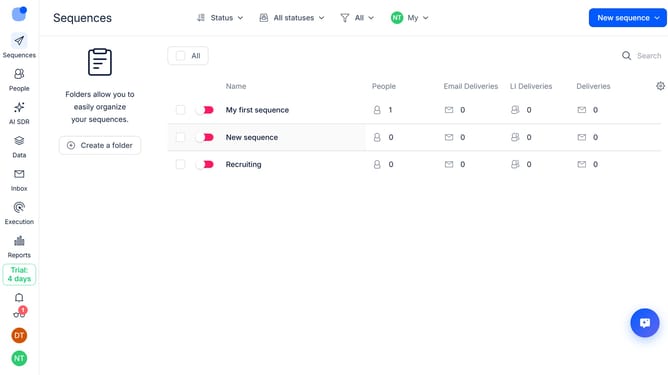
How to continue a sequence after a successful call in Reply
Here is how to continue a sequence after a successful call in reply
- First, click on the sequence where you want to configure it to continue after a successful call
- Then, click on "Settings" button in the top menu
- Next, click on the dropdown button next to the "Cals handling" option
- Then, toggle off the "Pause on successful call" switch
- Finally, click on the "Save settings" button
Why should you How to continue a sequence after a successful call in Reply
Reply.io is a powerful sales engagement tool designed to streamline communication processes and boost productivity.
The feature to continue a sequence after a successful call in Reply empowers sales teams to maintain momentum in their outreach efforts. By enabling seamless continuation, this feature ensures no potential lead slips through the cracks, enhancing the efficiency of communication workflows.
This capability streamlines follow-ups, allowing teams to nurture relationships effectively, build stronger connections, and ultimately drive better results. Using it keeps the conversation going smoothly, supporting continuous engagement without interruption.
Last update