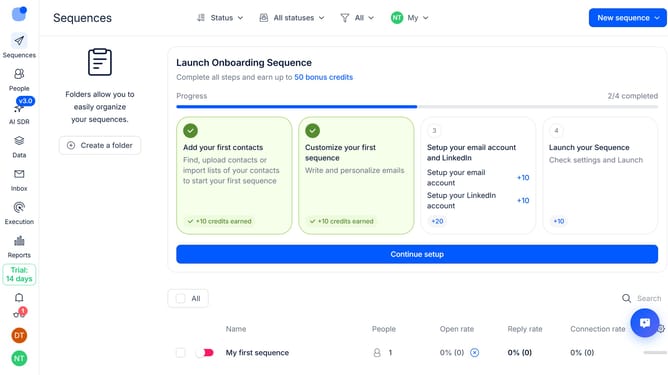
How to enable plain text mode in Reply
Here is how to enable plain text mode in reply
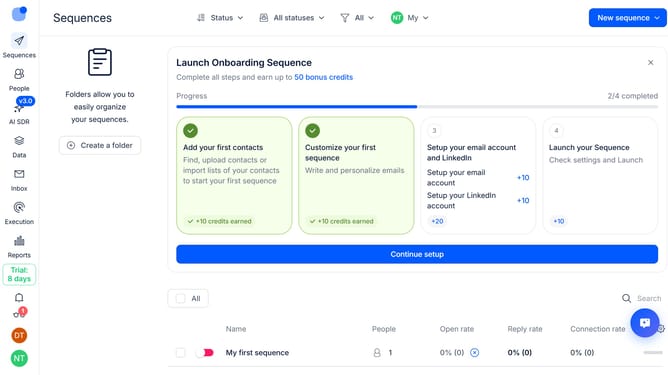
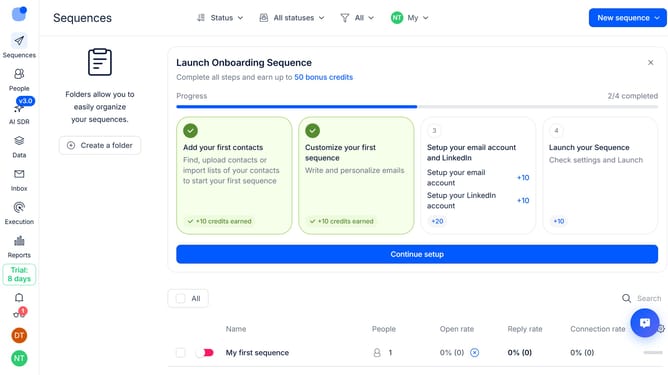
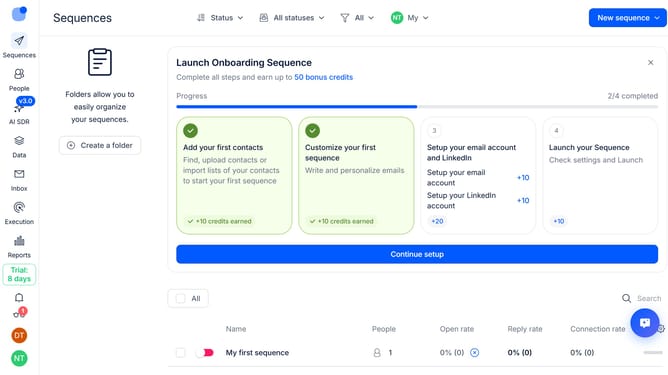
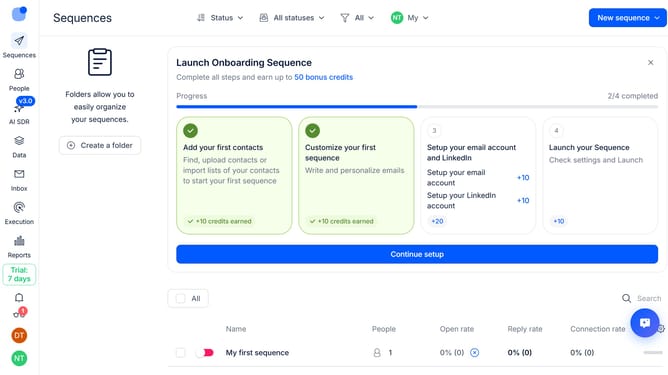
- First click on the user profile icon in the left sidebar
- Then click on "Settings" in the dropdown menu
- Next, click on "Emails" in the left sidebar menu
- Then click on the "Default tracking" dropdown button
- Next, click on the "Plain text mode" toggle to enable it
- Then click on the "Save settings" button
- Finally, click on the "Confirm" button to save changes
Why should you How to enable plain text mode in Reply
Reply.io is a powerful platform designed to streamline communication by automating sales and engagement processes.
Enabling plain text mode in Reply can enhance the clarity and deliverability of your emails. This feature strips away any unnecessary formatting, ensuring your message reaches recipients exactly as intended.
Using plain text can reduce distractions and focus attention on your core message, which is particularly beneficial in professional and formal communications.
This simplicity often leads to improved compatibility across various email clients, enhancing the likelihood of successful delivery and engagement.
Last update