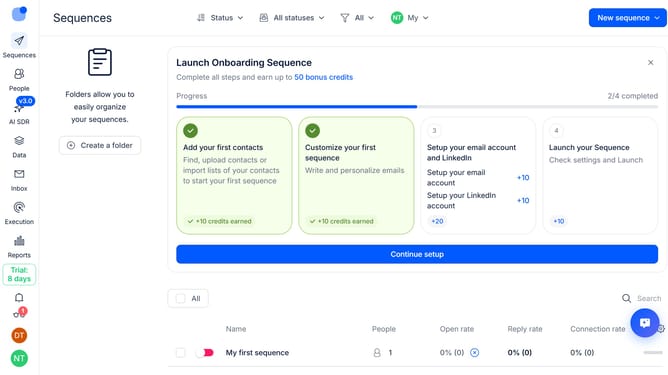
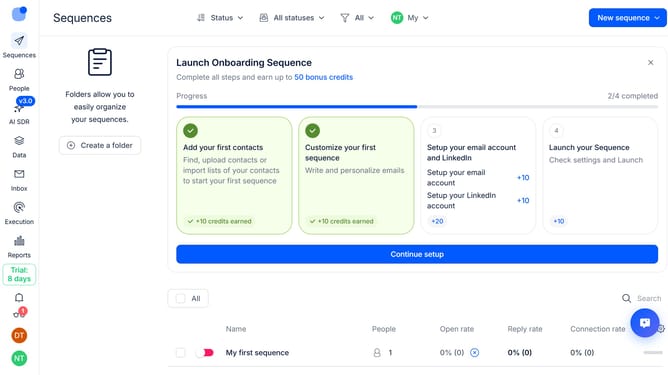
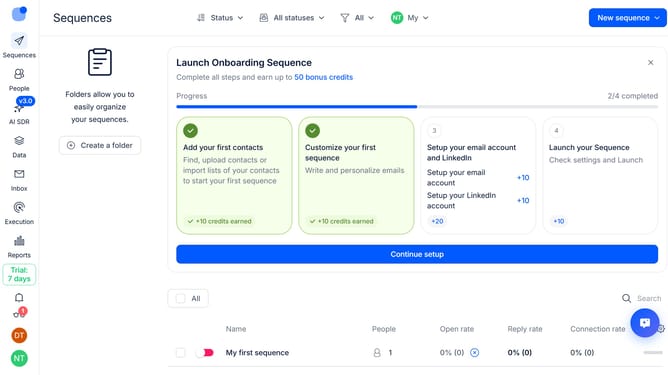
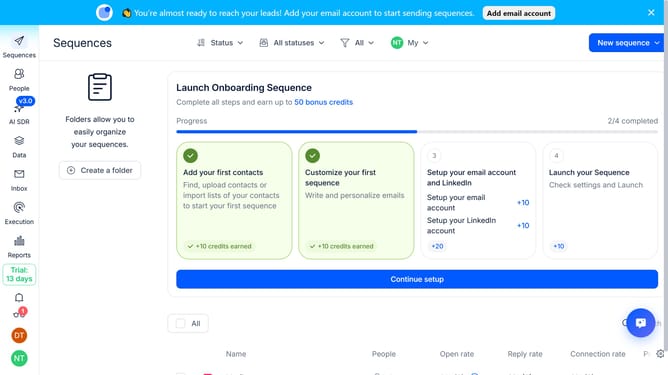
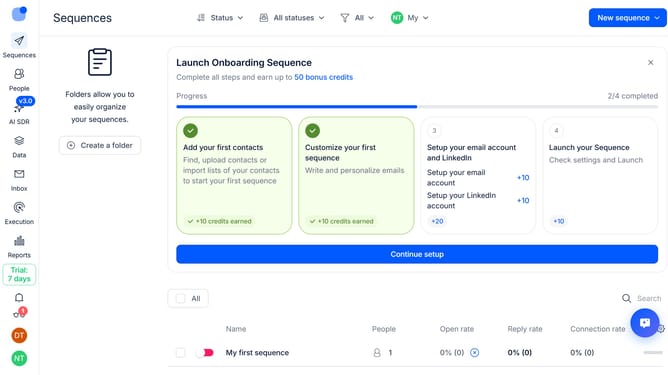
How to set a delay before sending the first email in Reply
Here is how to set a delay before sending the first email in reply
- First click on the user icon in the left sidebar
- Then click on "Settings" in the user menu
- Next, click on "Emails" section in the left sidebar
- Then click on the dropdown arrow next to "Email safety"
- After that, click on the "Delay before sending the first email" text input field and replace the value into your preferred delay value
- Finally, click on the "Save settings" button
Why should you How to set a delay before sending the first email in Reply
Reply.io is a powerful platform designed to streamline engagement with prospects through automated email sequences.
Setting a delay before sending your first email in Reply allows you to strategically time your outreach for maximum impact. By implementing a delay, you can ensure your emails are sent when they're most likely to be noticed and effective.
This feature is beneficial as it helps avoid overwhelming your recipients, allowing you to engage more thoughtfully. By timing your initial email, you cultivate relationships more naturally and increase your chances of a positive response.
Last update