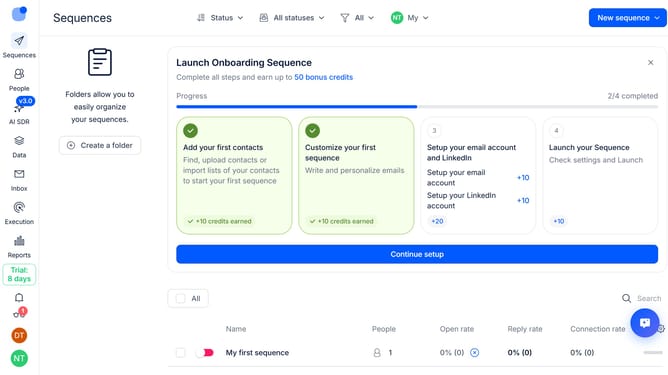
How to disable email quality check in Reply
Here is how to disable email quality check in reply
- First click on the user profile icon in the left sidebar
- Then click on the "Settings" option from the user profile dropdown menu
- Next, click on the "Tools" option in the left sidebar menu
- Then disable the switch next to "Enable email quality check" option
- Finally click on the "Save settings" button
Why should you How to disable email quality check in Reply
Reply.io is a dynamic sales engagement platform that optimizes communication and drives efficiency in outreach processes.
Disabling the email quality check in Reply allows users to maintain flexibility in their email campaigns. By turning off this feature, you enable personalized adjustments without being restricted by standard quality parameters. This can be particularly beneficial for experienced marketers who wish to streamline their workflow and focus on creativity and customization in messaging.
Using this feature provides greater control over your email content, ensuring it aligns perfectly with your specific campaign goals. This adaptability enhances the effectiveness of communication, fostering stronger connections with your audience.