How to receive notifications for my threads only in Reply
Here is how to receive notifications for my threads only in reply
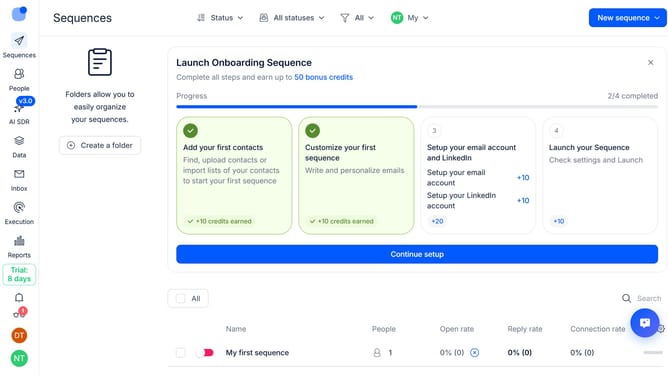
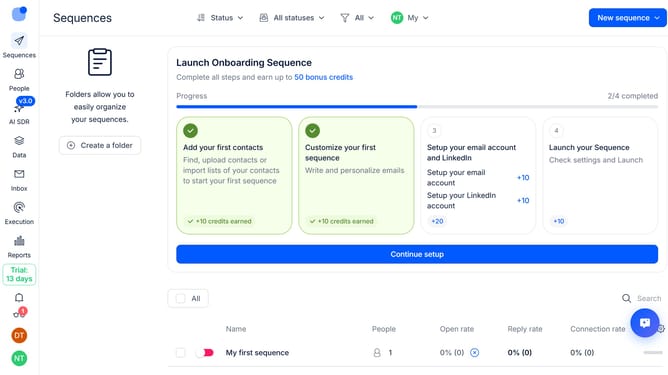
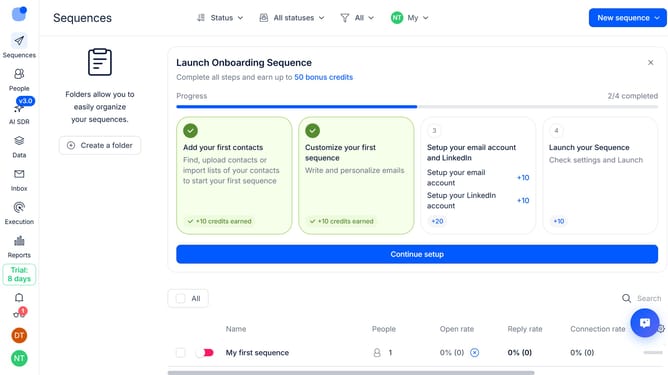
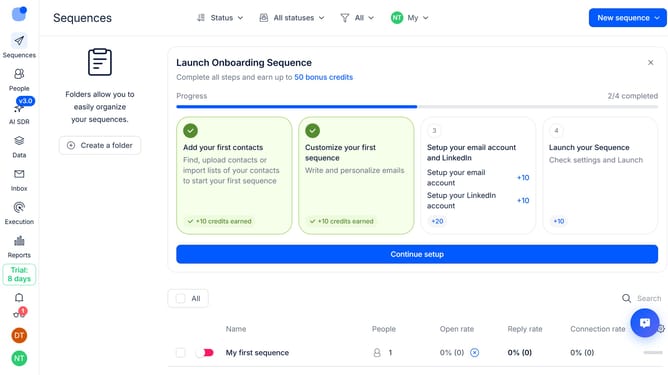
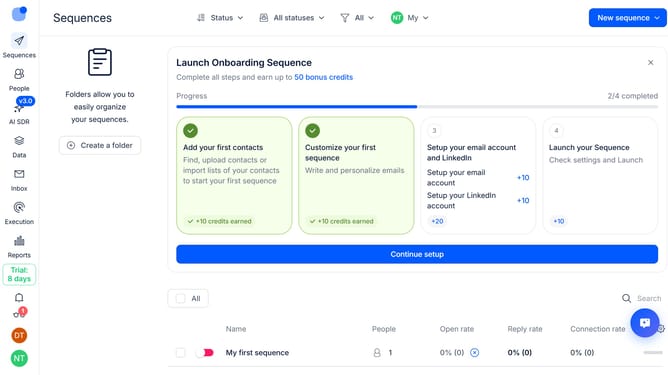
- First click on the user icon in the left sidebar
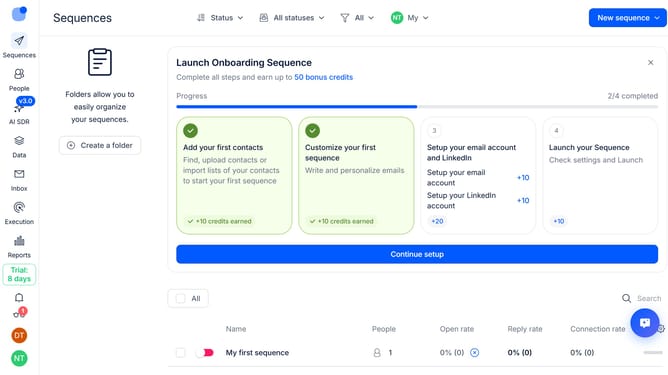
- Then click on "Settings" in the user menu
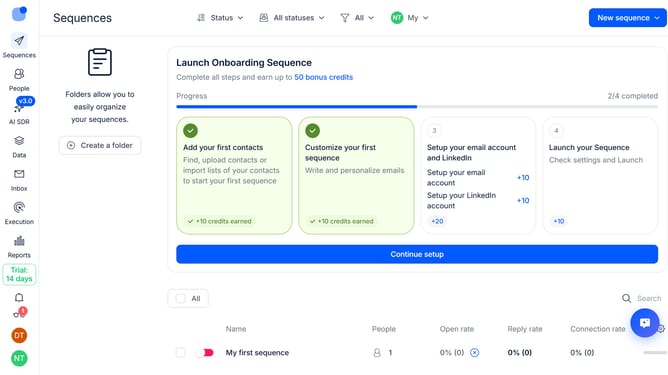
- Next, click on "Notifications" in the sidebar
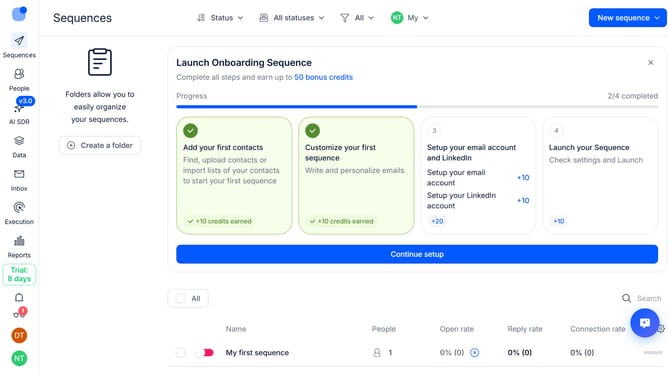
- Finally, select the "My threads only" radio button
Why should you How to receive notifications for my threads only in Reply
Reply.io is a powerful platform designed to streamline your communication and engagement needs effectively.
Focusing solely on notifications for your threads in Reply ensures you stay updated without the overwhelm of non-essential alerts. This feature simplifies your workflow by highlighting interactions that matter most to you.
By concentrating on personal thread notifications, you can enhance productivity and maintain focus. It reduces distractions, allowing for more efficient follow-ups and engagement.
This targeted approach helps you manage your communications better, ensuring you never miss important updates within your conversations.
Last update