How to disable click tracking in Reply
Here is how to disable click tracking in reply
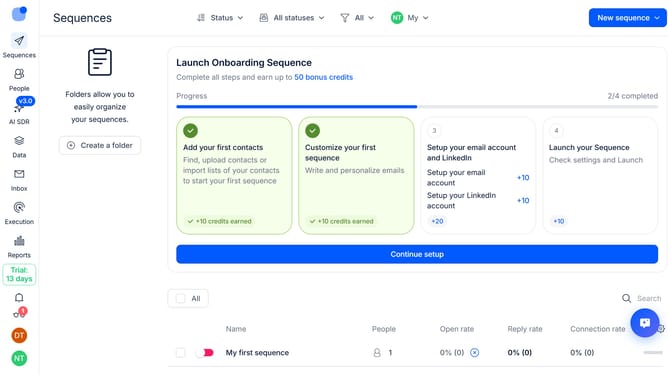
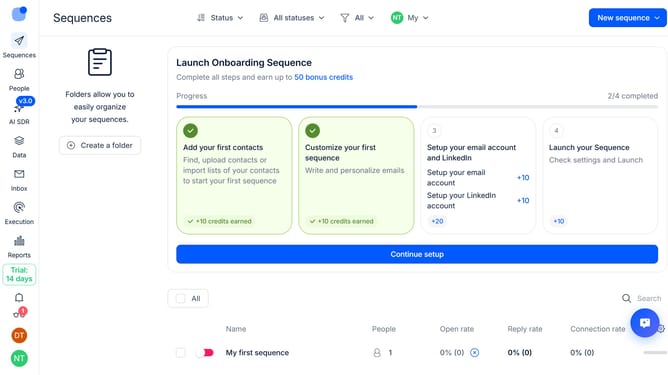
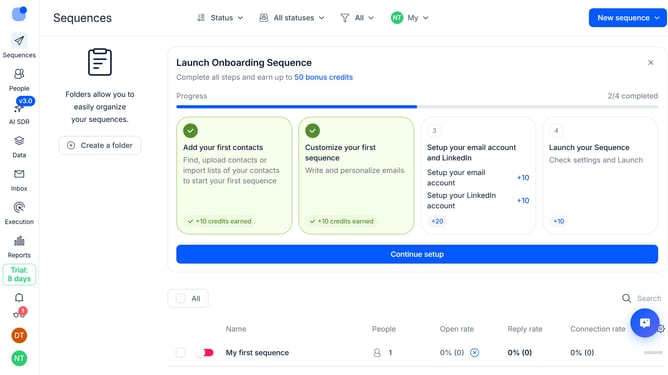
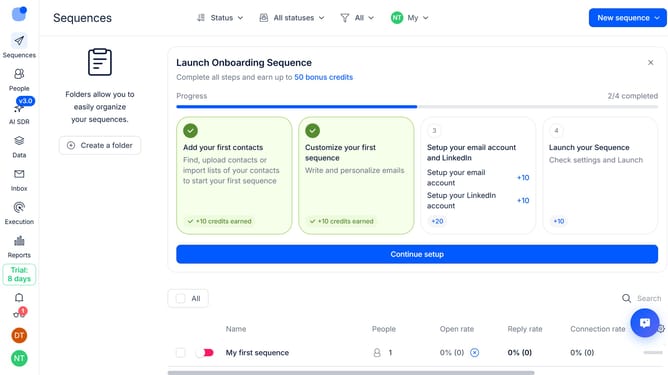
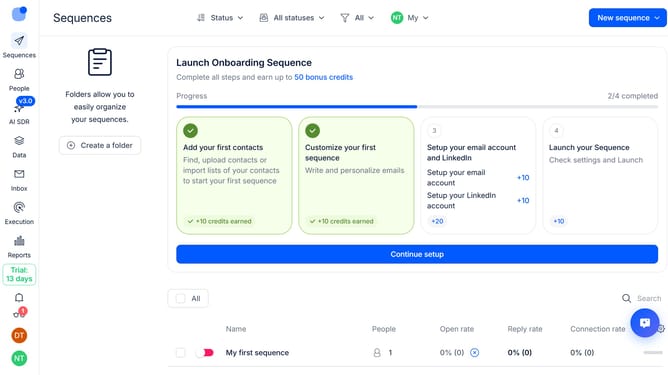
- First click on the user profile icon labeled in the left sidebar
- Then click on the "Settings" option in the user profile dropdown menu
- Next, click on the "Emails" option in the left sidebar menu
- Then click on the "Default tracking" dropdown button
- After that, turn off the "Click tracking" option
- Then, click on the "Save settings"
- Finally, click on the "Confirm" option for "Default tracking" option
Why should you How to disable click tracking in Reply
Reply.io is a cutting-edge platform designed to streamline and automate your sales outreach efficiently.
Disabling click tracking in Reply is a valuable feature that enhances privacy and builds trust with your recipients. By opting out of click tracking, you respect your recipient's privacy and align with regulations that demand consent and transparency.
This feature also ensures your emails are more likely to bypass spam filters, increasing deliverability. Focusing on the quality of engagement rather than tracking clicks fosters genuine interactions, ultimately leading to stronger relationships and improved communication.
Last update