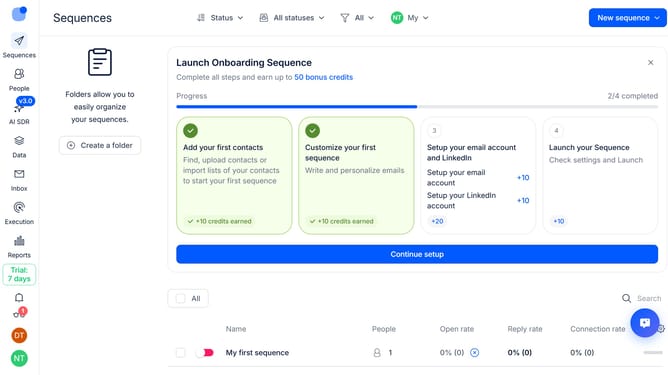
How to disable notifications for relevant replies only in Reply
Here is how to disable notifications for relevant replies only in reply
- First click on the user profile icon in the left sidebar
- Then click on the "Settings" option from the dropdown menu
- Next, click on the "Notifications" tab in the left sidebar
- Then scroll down to view more options
- After that, switch off the "Relevant replies only" toggle option
- Finally click on the "Save" button
Why should you How to disable notifications for relevant replies only in Reply
Reply.io is a cutting-edge platform designed to streamline your email outreach and boost engagement.
One of its standout features allows you to disable notifications for only the most relevant replies. This ensures you aren’t bogged down by unnecessary alerts, allowing you to focus on the responses that truly matter.
Leveraging this feature can enhance productivity by minimizing disruptions and helping you prioritize meaningful conversations. It's an efficient way to manage communication, ensuring your attention is dedicated to where it’s needed most.
By focusing on relevant interactions, you optimize your workflow and nurture key relationships effortlessly.
Last update