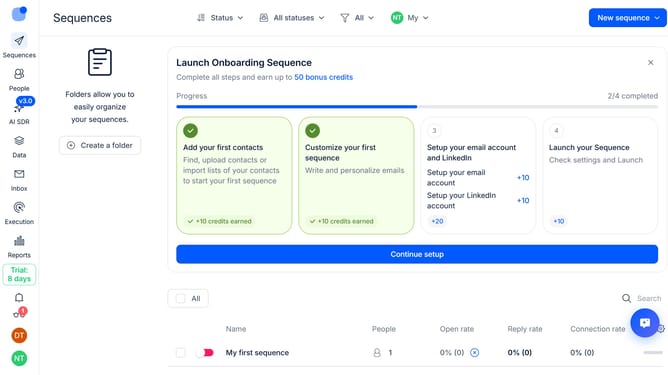
How to enable click tracking in Reply
Here is how to enable click tracking in reply
- First click on the user icon in the left sidebar
- Then click on "Settings" in the dropdown menu
- Next click on "Emails" in the left sidebar
- Then click on the "Default tracking" dropdown button
- After that, switch on the "Click tracking"
- Next, click on the "Save settings" button in the modal window
- Final, click on the "Confirm" button in the page
Why should you How to enable click tracking in Reply
Reply.io is a versatile platform designed to streamline and automate sales engagement processes, enhancing communication efficiency.
Enabling click tracking in Reply allows users to monitor which email links garner attention, offering valuable insights into recipient behavior.
This feature empowers businesses to refine strategies by identifying what resonates most with their audience. Utilizing click tracking enhances data-driven decisions, optimizing engagement and conversion rates efficiently.
Last update