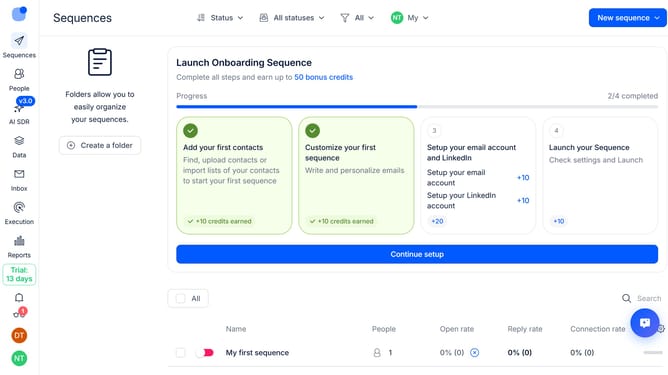
How to show notifications when any page is open in Reply
Here is how to show notifications when any page is open in reply
- First click on the user icon in the left sidebar
- Then click on "Settings" in the dropdown menu
- Next, click on "Notifications" in the sidebar
- Then select the "When any page is open" radio button
- After that, scroll down to view more options
- Finally, click on the "Save" button
Why should you How to show notifications when any page is open in Reply
Reply.io is a robust platform designed to streamline multi-channel sales engagement, enhancing communication efficiency.
With Reply’s notification feature, staying on top of your engagements is effortless, even when navigating different pages within the platform.
These real-time alerts ensure you never miss an important update or message, improving response times and keeping you informed. This seamless integration elevates your productivity, allowing for more focused and efficient interactions.
Enjoy the peace of mind that comes with being instantly updated, ensuring you maintain a smooth workflow and never hesitate to the next task at hand!
Last update