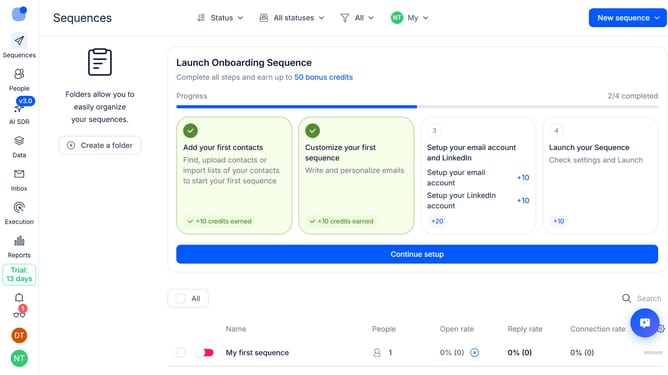
How to mark auto replies and bounce emails as read in Reply
Here is how to mark auto replies and bounce emails as read in reply
- First click on the user icon in the left sidebar
- Then click on "Settings" in the user menu
- Next click on "Emails" in the left sidebar
- Then click on the "Email safety" dropdown button
- Then click on the "Action" dropdown button
- Next click on the "Mark as read" from the dropdown button
- Finally on the "Save settings" button
Why should you How to mark auto replies and bounce emails as read in Reply
Reply.io is a comprehensive sales engagement platform designed to streamline and automate communication processes.
A standout feature in Reply.io is the ability to mark auto replies and bounce emails as read. This functionality enhances your workflow by automatically organizing your inbox, reducing clutter and making it easier to focus on meaningful interactions.
The key benefit of this feature is the time-saving aspect. By intelligently sorting through non-essential emails, users can maintain an organized email environment, ensuring important messages are promptly addressed.
With this feature, productivity sees a boost as it minimizes manual email management, allowing your team to prioritize high-value tasks and interactions more effectively.