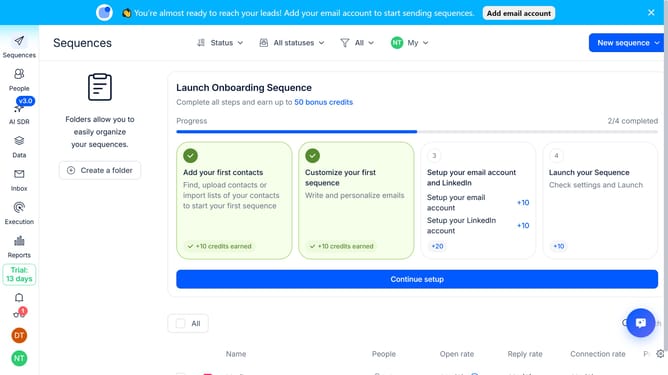
How to hide email-only channel notifications in Reply
Here is how to hide email-only channel notifications in reply
- First click on the user profile icon in the left side menu
- Then click on the "Settings" option in the dropdown menu
- Next, click on the "Notifications" option in the left sidebar
- Then scroll down to view more options
- After that, uncheck the "Email" checkbox under the "Show only channel specific notification"
- Finally click on the "Save" button
Why should you How to hide email-only channel notifications in Reply
Reply.io is a powerful platform designed to streamline your sales and marketing communication.
One of its standout features is the ability to hide email-only channel notifications. This feature helps users maintain focus by reducing distractions from non-essential updates.
By utilizing this feature, users can enjoy a more efficient workflow. It ensures that your attention remains on important tasks, minimizing interruptions.
This targeted approach enhances productivity, allowing users to engage more meaningfully with their core responsibilities.
Last update