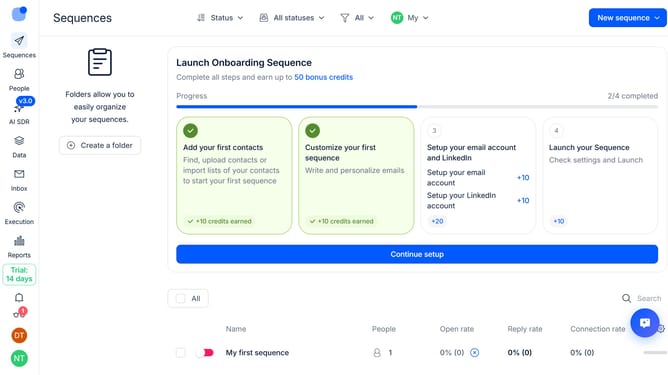
How to keep notifications visible after 5 seconds in Reply
Here is how to keep notifications visible after 5 seconds in reply
- First click on the user profile icon in the left sidebar
- Then click on "Settings" in the user menu
- Next select "Notifications" from the sidebar menu
- Then select the "Don't hide automatically after 5 seconds" radio button
- Next scroll down to view more options
- Finally click on the "Save" button
Why should you How to keep notifications visible after 5 seconds in Reply
Reply.io is a robust sales engagement platform designed to streamline communication and boost productivity.
When managing numerous leads, timely notifications are crucial. Ensuring notifications remain visible for more than five seconds in Reply allows users to stay informed without missing important updates.
This feature enhances workflow by reducing the chance of overlooking key information, helping maintain focus and efficiency, and ensuring important tasks are addressed promptly.
Staying on top of notifications fosters better communication and decision-making, contributing to overall success.
Last update