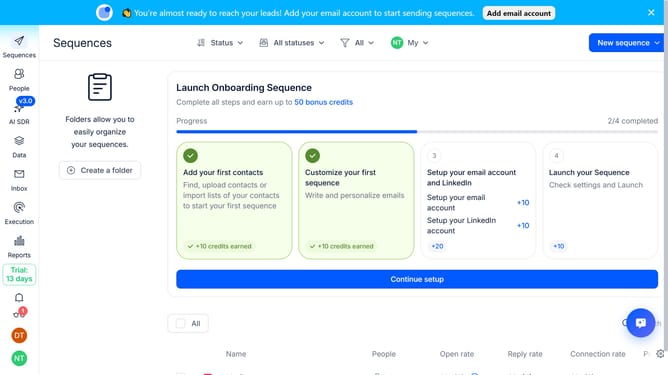
How to automatically hide notifications after 5 seconds in Reply
Here is how to automatically hide notifications after 5 seconds in reply
- First click on the user avatar in the left sidebar
- Then click on 'Settings' from the dropdown menu
- After that, click on 'Notifications' in the left menu
- Next, select the radio button for 'Automatically hide after 5 seconds'
- Then scroll down to view more options
- Finally click on the 'Save' button to confirm the changes
Why should you How to automatically hide notifications after 5 seconds in Reply
Reply.io is a cutting-edge platform designed to streamline your communications and enhance productivity.
One standout feature is the ability to automatically hide notifications after 5 seconds. This feature ensures your workspace remains clutter-free and focused.
Minimizing notification distractions allows you to maintain concentration on essential tasks, boosting efficiency. By reducing notification noise, focus is enhanced, leading to better task management and decision-making.
Embrace a seamless workflow, keeping interruptions at bay and productivity at its peak.
Last update