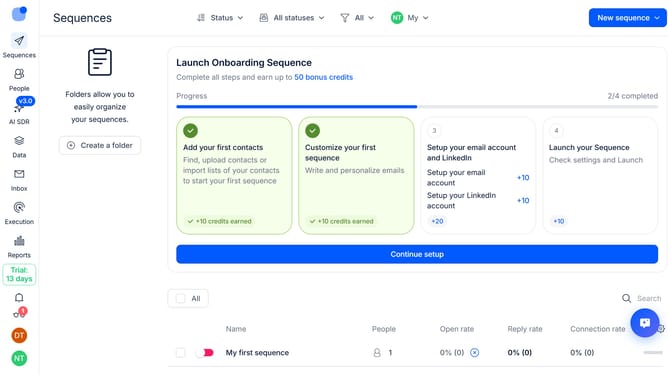
How to enable sequence error reports in Reply
Here is how to enable sequence error reports in reply
- First click on the user icon in the left side menu
- Then click on "Settings" in the dropdown menu
- Next, click on "Emails" in the left sidebar
- Then click on the dropdown arrow next to "Email notifications"
- After that, click on the "Send reports on sequence errors" toggle to enable it
- Finally click on the "Save settings" button
Why should you How to enable sequence error reports in Reply
Reply.io is a dynamic platform designed to streamline and enhance multichannel sales engagement for teams worldwide.
Enabling sequence error reports in Reply is a strategic feature that provides insightful analytics on your digital campaigns. It helps identify and rectify issues that may arise within your sequence of communications.
Using these reports ensures that your messages are delivered as intended, maintaining the efficiency and professionalism of your outreach. With these insights, you can improve campaign effectiveness, leading to better engagement and conversion rates.
Last update