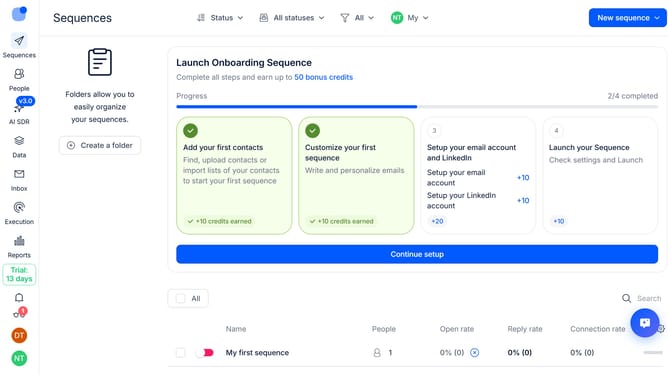
How to disable open tracking in Reply
Here is how to disable open tracking in reply
- First click on the user icon in the sidebar
- Then click on 'Settings' in the user menu
- Next click on 'Emails' in the sidebar menu
- Then click on the "Default tracking" dropdown button
- Then toggle off the 'Open tracking' switch
- Next click on the 'Save settings' button
- Finally click on the 'Confirm' button to save the changes
Why should you How to disable open tracking in Reply
Reply.io is a dynamic platform designed to streamline and enhance communication outreach for businesses and professionals.
A standout feature of Reply.io is the ability to disable open tracking. This feature empowers users to prioritize privacy and maintain greater control over email interactions.
By turning off open tracking, email recipients feel more secure knowing their actions aren't being monitored. This can foster trust and enhance genuine communication.
Additionally, focusing on content instead of metrics can lead to more thoughtful and meaningful exchanges, enriching professional relationships.
Last update