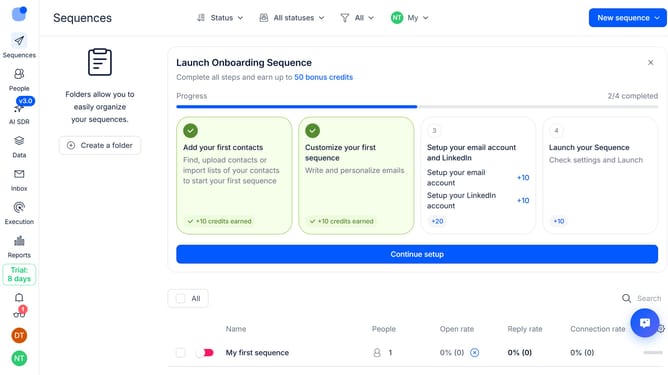
How to enable notification for relevant replies only in Reply
Here is how to enable notification for relevant replies only in reply
- First click on the user profile icon in the left sidebar
- Then click on "Settings" in the dropdown menu
- Next click on "Notifications" in the left sidebar menu
- Then scroll down to view more options
- After that turn on the "Relevant replies only" switch
- Finally click on the "Save" button
Why should you How to enable notification for relevant replies only in Reply
Reply.io is a powerful sales engagement platform designed to streamline communication and drive conversions.
One of its standout features is the ability to receive notifications for relevant replies only. By leveraging this feature, users can focus on the most important interactions, ensuring they never miss a crucial response.
This capability saves time and improves efficiency by filtering out the noise, allowing sales and marketing teams to prioritize meaningful conversations and enhance customer engagement.
Last update