How to disable sequence error reports in Reply
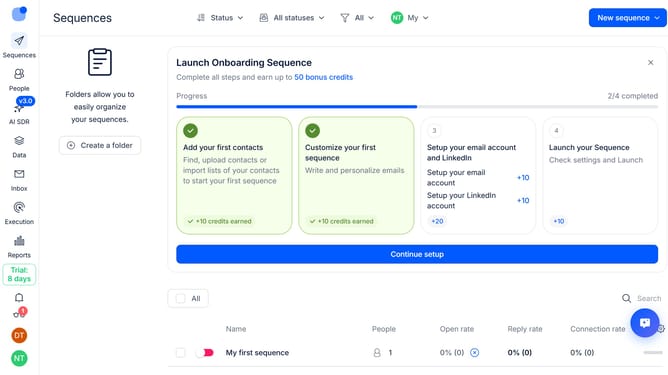
Here is how to disable sequence error reports in reply
- First click on the user icon in the left sidebar
- Then click on "Settings" in the user menu
- Next, click on the "Emails" option in the left sidebar
- Then click the dropdown arrow next to "Email notifications".
- After that, toggle the "Send reports on sequence errors" switch to OFF
- Finally click the "Save settings" button
Why should you How to disable sequence error reports in Reply
Reply.io is a powerful sales engagement platform designed to streamline communication and enhance productivity.
One useful feature of Reply is the ability to disable sequence error reports. This allows users to focus solely on successful interactions without being bogged down by error notifications.
Utilizing this feature helps maintain a clutter-free inbox, allowing sales teams to manage leads more effectively and concentrate on driving results.
By reducing distractions, teams can stay organized and maintain a seamless workflow, ultimately boosting overall efficiency.
Last update