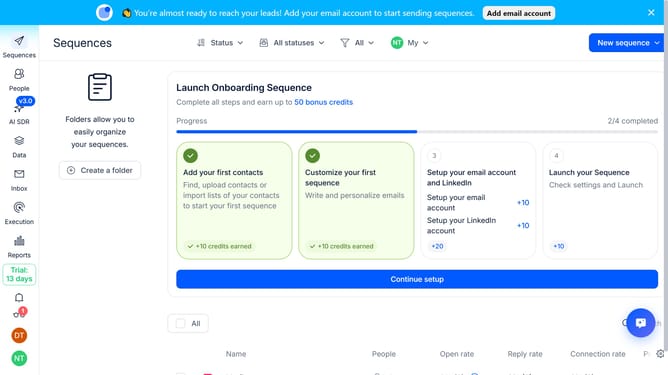
How to enable automatic email validation in Reply
Here is how to enable automatic email validation in reply
- First click on the user icon located in the left sidebar
- Then click on 'Settings' in the dropdown menu
- Next, click on 'Emails' in the sidebar menu
- Then scroll down to view more options
- Next, click on the dropdown arrow next to 'Automatic Email validation'
- Then click on the toggle switch for 'Automatic email validation' to enable it
- Finally click on the 'Save settings' button
Why should you How to enable automatic email validation in Reply
Reply.io is a powerful platform designed to optimize and streamline your sales communication.
Enabling automatic email validation in Reply ensures that your contact list remains accurate and efficient. It allows you to verify email addresses before sending, reducing the chances of bounces and improving deliverability.
By validating emails automatically, you save time and enhance your campaigns' effectiveness. This feature ensures that your messages reach real inboxes, increasing engagement and fostering better relationships with your prospects.
Last update