How to disable notification sound in Reply
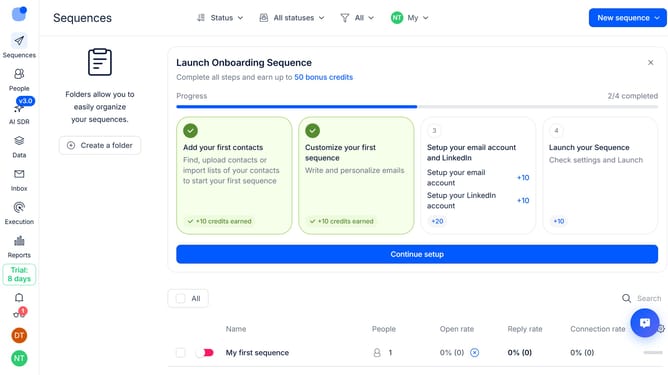
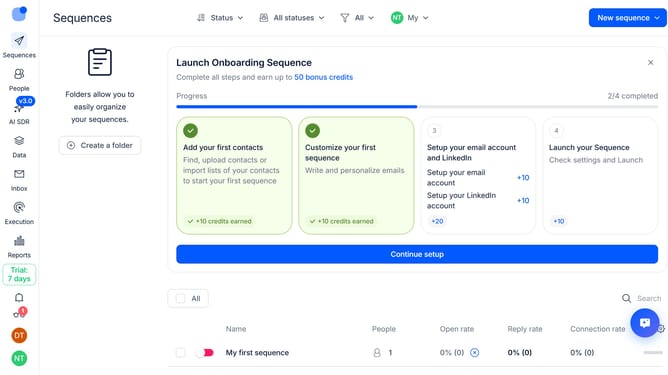
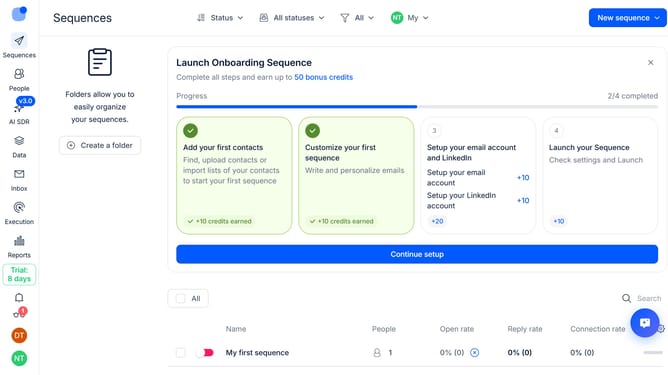
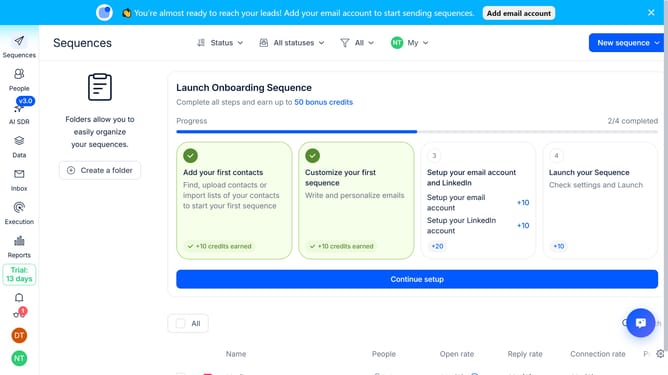
Here is how to disable notification sound in reply
- First click on the user icon in the left sidebar
- Then click on 'Settings' in the dropdown menu
- Next click on 'Notifications' in the left sidebar
- Then scroll down to view more options
- Then switch off the toggle button for 'Play sound for notification'
- Finally click on the 'Save' button
Why should you How to disable notification sound in Reply
Reply.io is a leading sales engagement platform designed to automate your outreach and simplify communication.
Adjusting your notification settings, such as disabling the notification sound in Reply, can greatly enhance your focus and productivity.
This feature is perfect for creating a distraction-free environment, allowing you to work seamlessly without interruptions from notification pings.
By minimizing distractions, you can maintain concentration on important tasks, paving the way for more efficient and effective workflows.
Last update