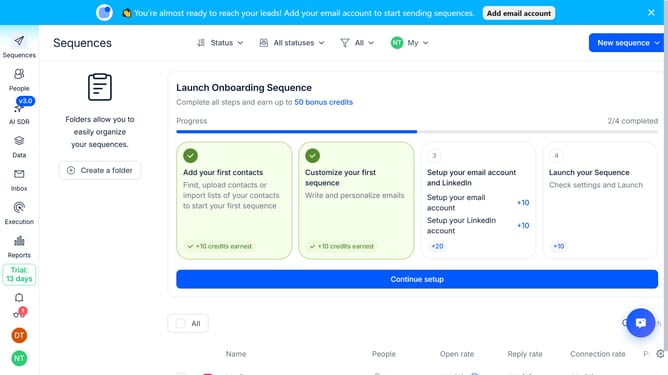
How to enable reassigning email accounts in Reply
Here is how to enable reassigning email accounts in reply
- First click on the user icon in the left sidebar menu
- Then click on the "Settings" option in the sidebar
- Next click on the "Emails" tab in the sidebar
- Then scroll down to view more option
- Next click on the dropdown arrow next to "Sequence email accounts" in the main content area
- Then switch on the "Reassign email accounts" toggle
- Finally click on the "Save settings" button
Why should you How to enable reassigning email accounts in Reply
Reply.io is an innovative platform designed to streamline and automate your outreach efforts, enhancing communication efficiency.
Enabling the reassignment of email accounts in Reply offers team flexibility and effortless management of shared communication channels. This feature allows team members to dynamically manage tasks by reallocating email responsibilities swiftly and seamlessly.
By utilizing reassignment, teams can ensure continuity, maintain productivity, and enhance collaboration. It simplifies workload distribution and ensures that no email is missed, enhancing overall operational efficiency.
Last update