How to archive sequence in Reply
Here is how to archive sequence in reply
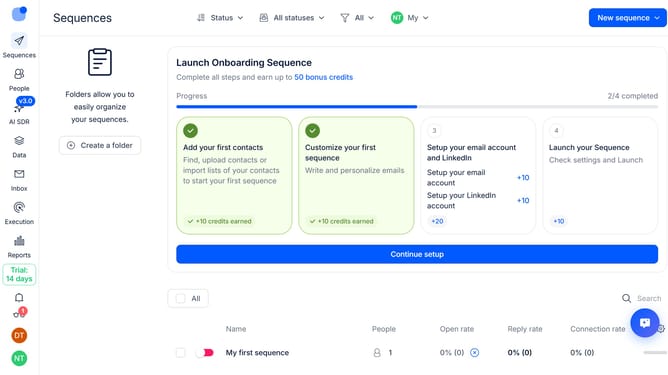
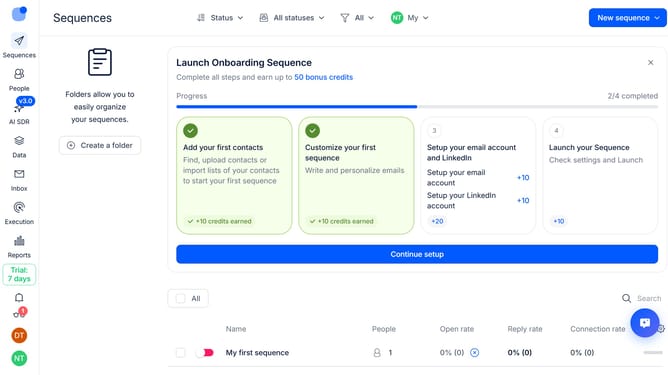
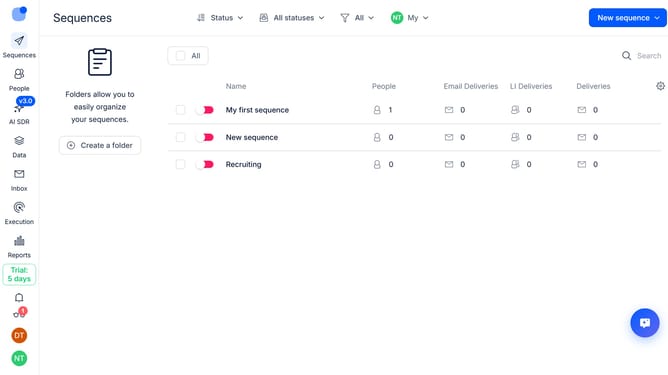
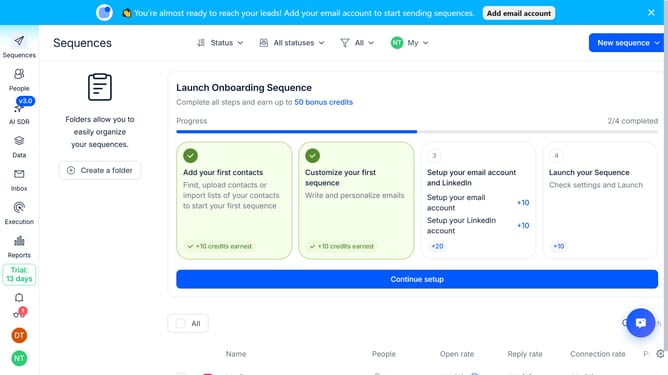
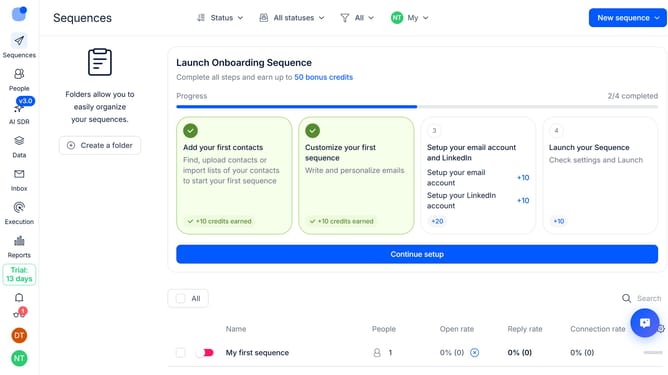
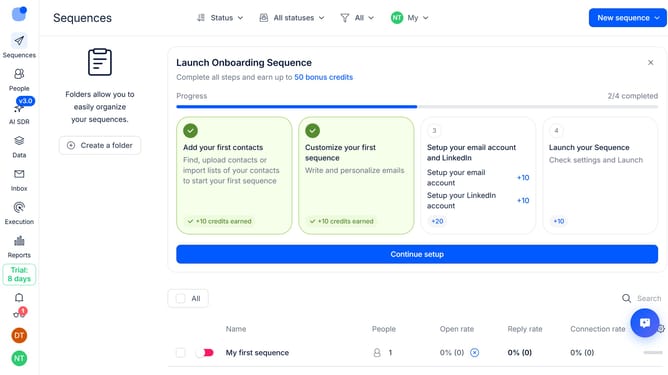
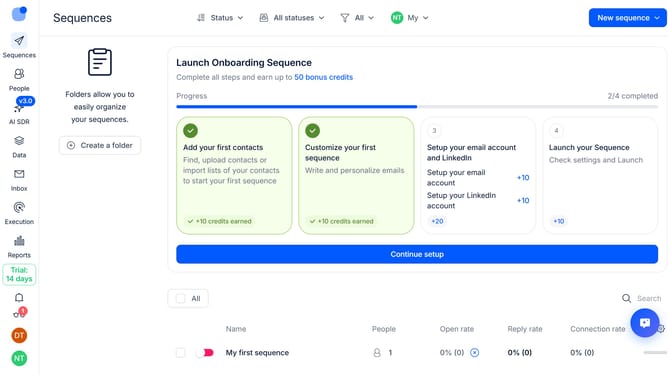
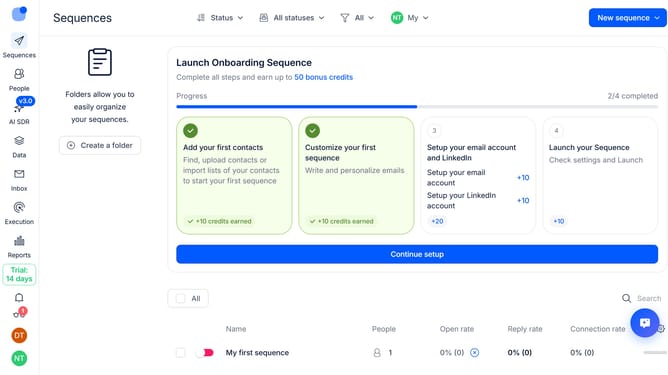
- First hover your mouse cursor over the sequence that you want to archive
- Then click on the three-dots icon button
- Next click on the "Archive" button from the dropdown button
- Finally click on the "Archive" button to archive the sequence
Why should you How to archive sequence in Reply
Reply.io is a powerful platform designed to streamline your email outreach and sales engagement process.
Archiving sequences in Reply serves as an efficient way to keep your workspace clean and focused by storing away inactive or completed campaigns.
This feature enhances organization, allowing users to manage their workspace more effectively without losing any previous data.
By utilizing the archive function, teams can boost productivity and maintain a clear overview of active campaigns, ensuring that attention is directed toward the most critical tasks.
Last update