How to enable plain text sending mode for a sequence in Reply
Here is how to enable plain text sending mode for a sequence in reply
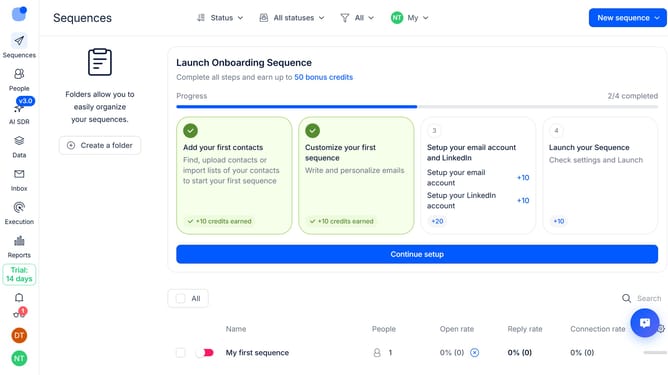
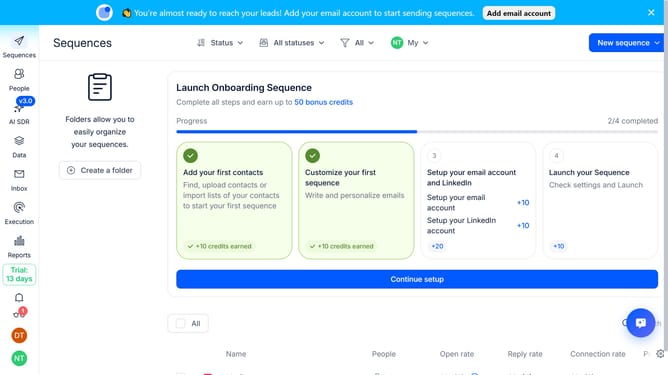
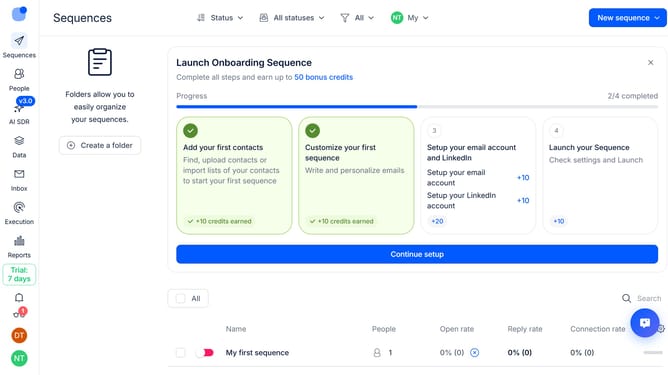
- First click on the sequence where you want to enable plain text sending mode
- Then click on the "Settings" button in the top menu
- Next, click on the dropdown button next to the "Email Tracking" option
- Then click on the "Plain text sending mode (text-only)" toggle switch to ON position
- Finally click on the "Save settings" button
Why should you How to enable plain text sending mode for a sequence in Reply
Reply.io is a dynamic platform designed to streamline your outreach through seamless email automation.
Enabling plain text sending mode for a sequence in Reply is a breeze. This feature helps you focus on delivering messages that feel authentic and personal.
Plain text emails often bypass spam filters more effectively, landing right in your recipient's inbox. By using plain text, you enhance deliverability and engagement.
This mode ensures your communication shines through as genuine, fostering trust and connections with your audience.
Last update