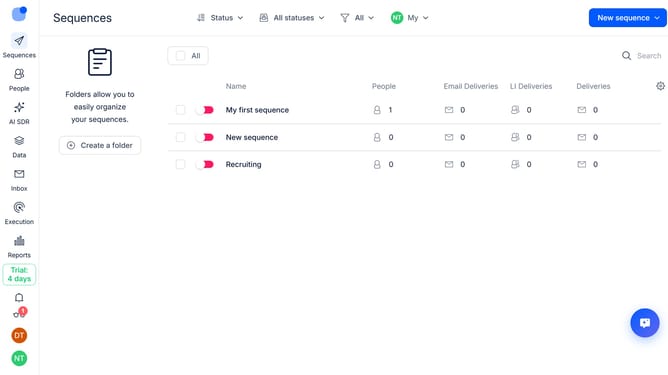
How to set the maximum number of emails per day in a sequence in Reply
Here is how to set the maximum number of emails per day in a sequence in reply
- First click on sequence where you want to set the maximum number of emails per day
- Then click on "Settings" tab
- Next click on the dropdown button for "General settings"
- Then scroll down to view more options
- Next click the "Max number of emails per day" input field and enter your preferred daily email limit
- Finally click on "Save settings" button
Why should you How to set the maximum number of emails per day in a sequence in Reply
Reply.io is a versatile tool designed to streamline and automate your outreach efforts.
Setting the maximum number of emails per day in a sequence within Reply is a practical feature that optimizes your email campaigns. By customizing the daily email limit, you can manage the workload and maintain consistent engagement with your audience.
This feature is beneficial as it helps prevent email fatigue and spam complaints, ensuring that your messages are read and appreciated. It also allows for better time management, enabling you to focus on crafting quality content and personalized interactions.
Using this option keeps your outreach efforts balanced and effective, so you can build meaningful connections with ease.
Last update