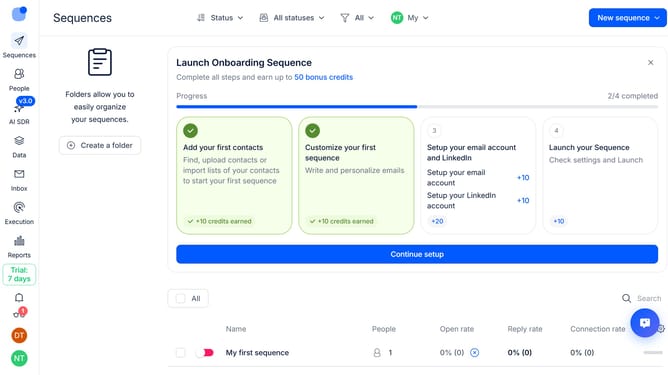
How to create a new folder in Reply
Here is how to create a new folder in reply
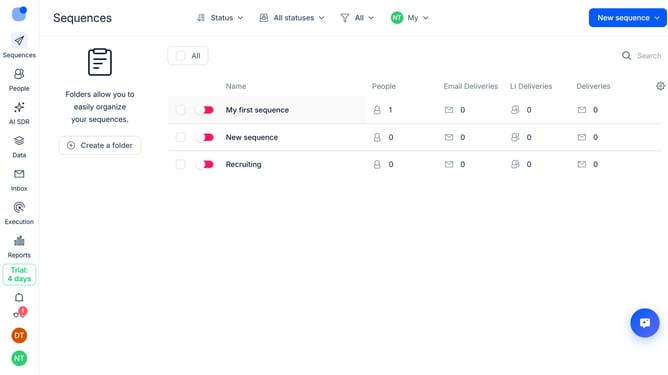
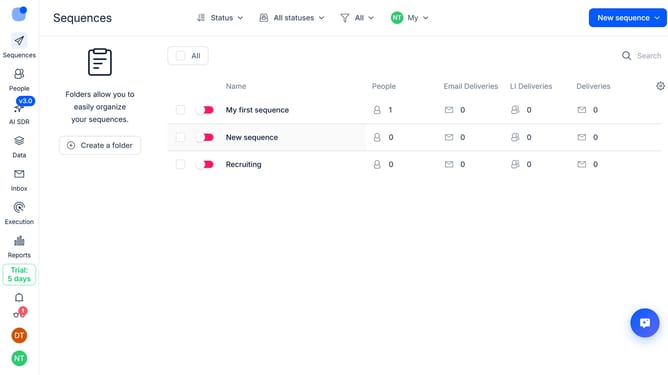
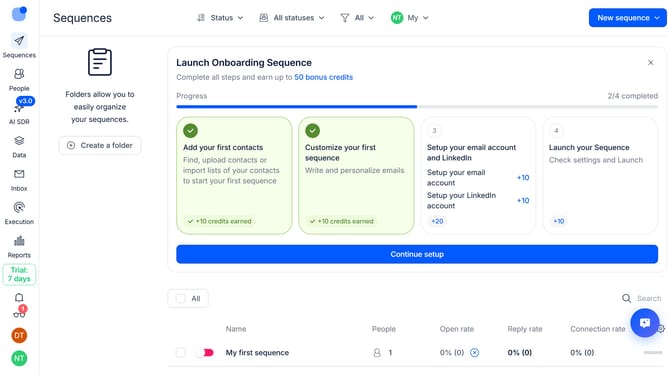
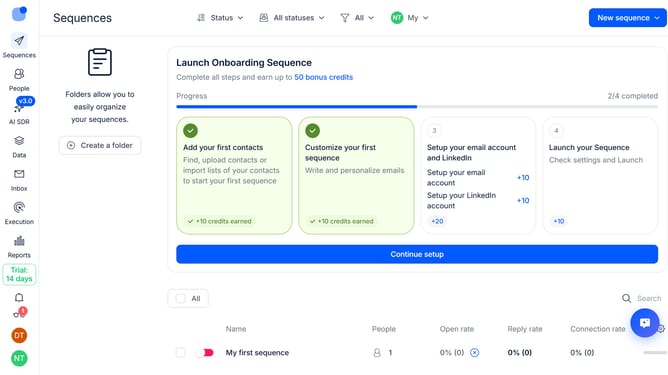
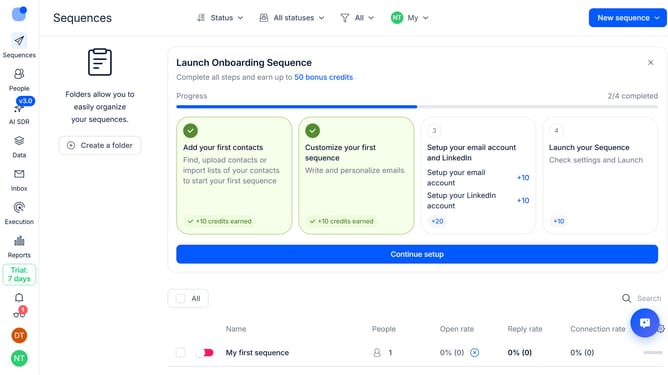
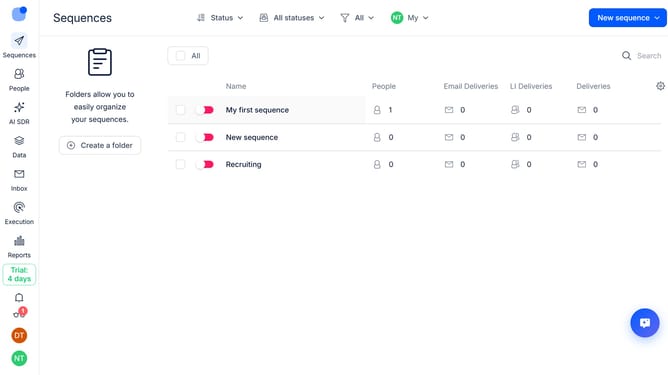
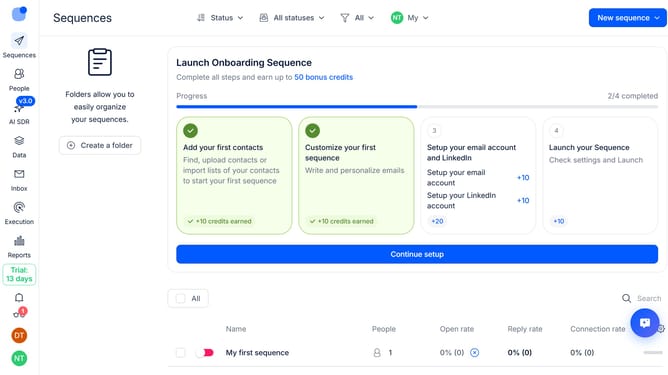
- First click on "Create a folder" button in the left sidebar
- Then click on the "Name" text field in the "Create new folder" modal and type in your desired name for the folder
- Finally click on the "Create" button in the "Create new folder" modal
Why should you How to create a new folder in Reply
Reply.io is a cutting-edge platform designed to streamline your sales communication, enhancing productivity and efficiency.
Creating a new folder in Reply.io is a breeze, offering you a seamless way to organize your communication strategies. This feature allows you to categorize and store your email templates, sequences, and contacts efficiently.
By keeping everything neatly organized, you'll improve accessibility and save valuable time searching through your resources. This enhancement in structure helps you maintain focus on what truly matters: building and nurturing client relationships.
Last update