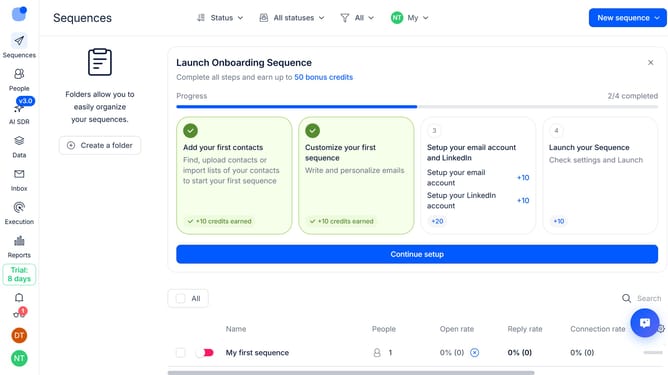
How to mark contacts as finished when they reply in a sequence in Reply
Here is how to mark contacts as finished when they reply in a sequence in reply
- First, click on the sequence where you want to mark contacts as finished when they reply
- Then, in the top menu, click on the "Settings" button
- Next, click on the dropdown arrow next to "Replies handling"
- Then, click on the "When person replies" dropdown option
- Next, click "Mark person as finished" option from the dropdown menu
- Finally, click on the "Save settings" button
Why should you How to mark contacts as finished when they reply in a sequence in Reply
Reply.io accelerates your outreach efforts by automating personal communication at scale.
One standout feature is the ability to mark contacts as finished when they reply in a sequence. This function streamlines workflow, ensuring that your team can focus on engaged leads without unnecessary follow-ups.
By automatically marking engaged contacts, you enhance your team's efficiency and maintain a more organized contact list.
This approach not only saves time but also empowers your sales and marketing teams to prioritize genuine opportunities for deeper and more meaningful connections.
Last update