How to delete a folder in Reply
Here is how to delete a folder in reply
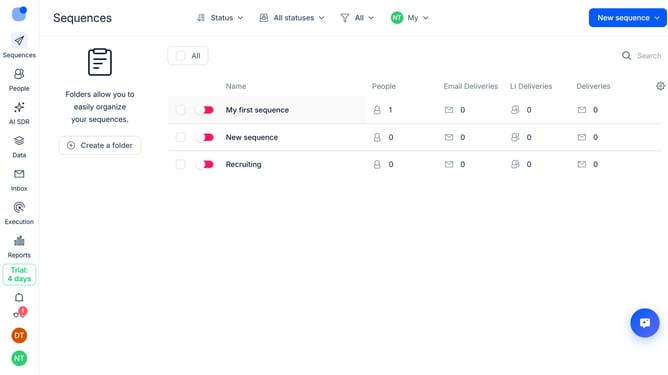
- First hover your mouse cursor over the filder that you want to delete
- Then click on the "three dots" icon next to the folder
- Next select "Delete" option from the dropdown menu
- Finally click on the "Delete" button to confirm deletion
Why should you How to delete a folder in Reply
Reply.io is a cutting-edge platform designed to streamline outreach and enhance sales productivity through automated communication workflows.
The feature that allows for the deletion of a folder within Reply promotes an organized and clutter-free workspace, ensuring that users can maintain a streamlined view of their essential projects.
By effectively managing and purging unnecessary folders, users can focus on high-priority tasks, improving efficiency and enhancing overall workflow performance.
This feature not only aids in maintaining clarity but also contributes to a more efficient data management system, optimizing the time spent on strategic activities.
Last update