How to hide email reply rate sequence column in Reply
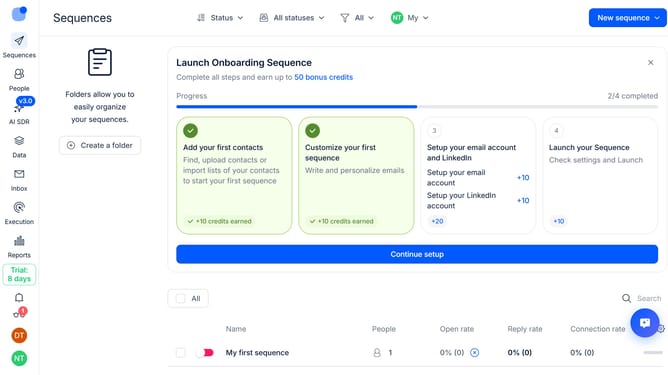
Here is how to hide email reply rate sequence column in reply
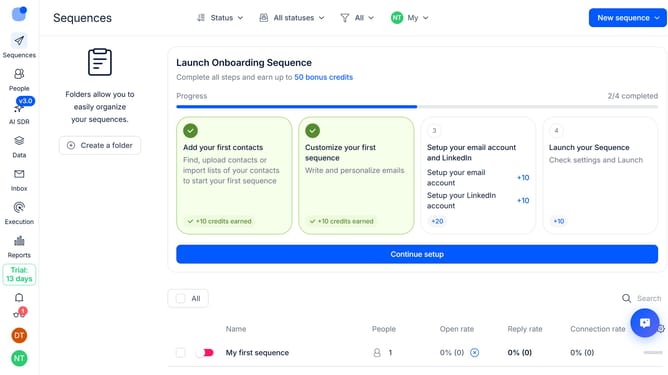
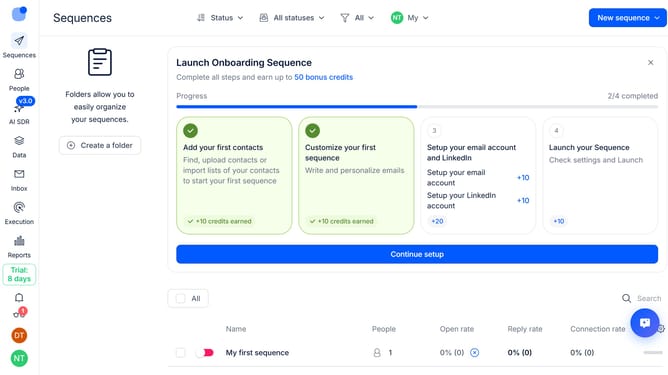
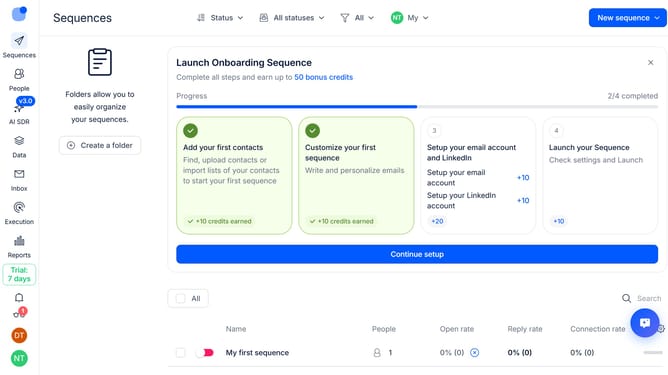
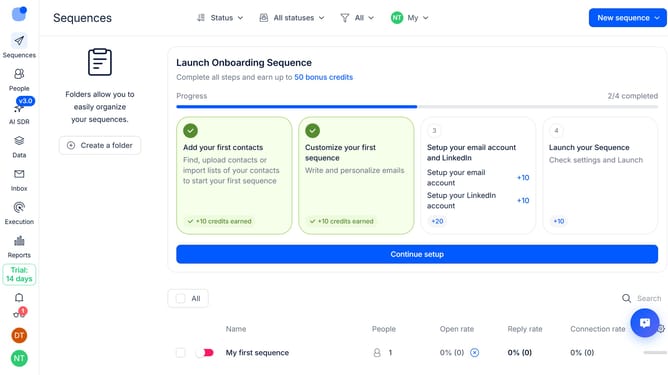
- First click on "Sequences" on the sidebar
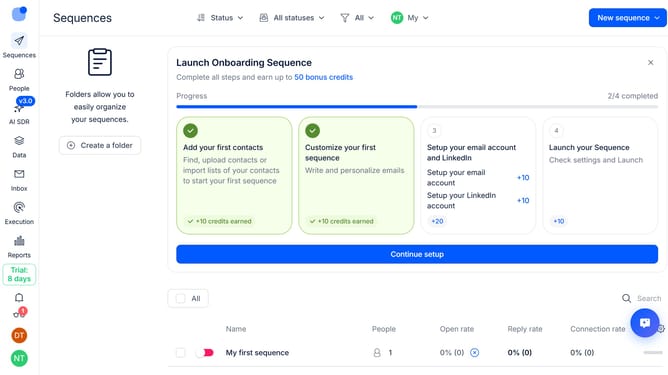
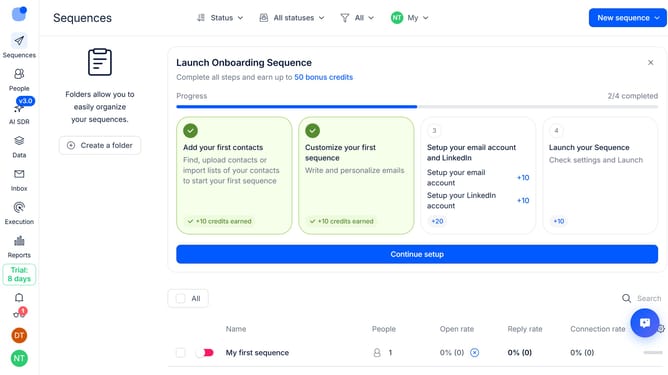
- Then click on the settings icon
- Finally click on the "x" icon next to the "Email Reply rate" option
Why should you How to hide email reply rate sequence column in Reply
Reply.io is a powerful platform designed to streamline your email outreach and automate communication sequences.
One of its versatile features allows you to hide the email reply rate sequence column, enabling a cleaner and more customized interface tailored to your workflow.
By hiding this column, teams can focus more on the metrics that matter most to their specific objectives, enhancing productivity by reducing visual clutter.
This flexibility helps prioritize essential tasks and creates a more intuitive workspace, ultimately making your team more efficient.
Last update