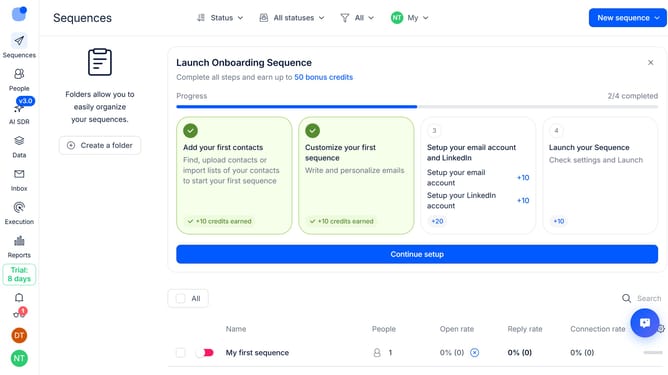
How to disable automatic out of office replies in Reply
Here is how to disable automatic out of office replies in reply
- First click on the user icon in the left sidebar
- Then click on 'Settings' in the dropdown menu
- Next, click on 'Emails' in the left sidebar
- Then click the dropdown arrow next to 'Out Of Office'
- After that, toggle the 'Resume Out of Office contacts in' switch to the OFF position
- Finally click on the 'Save settings' button
Why should you How to disable automatic out of office replies in Reply
Reply.io is a comprehensive sales engagement platform designed to streamline communications and boost productivity.
One of the discreet yet valuable features of Reply is the option to disable automatic out-of-office replies. This can be incredibly useful for professionals who want to maintain control over their email communications without generating unnecessary clutter.
By disabling these automatic responses, users can ensure that only intended and relevant messages are sent, enhancing the overall efficiency of communication workflows. Embracing this feature empowers users to optimize their email management seamlessly.
Last update