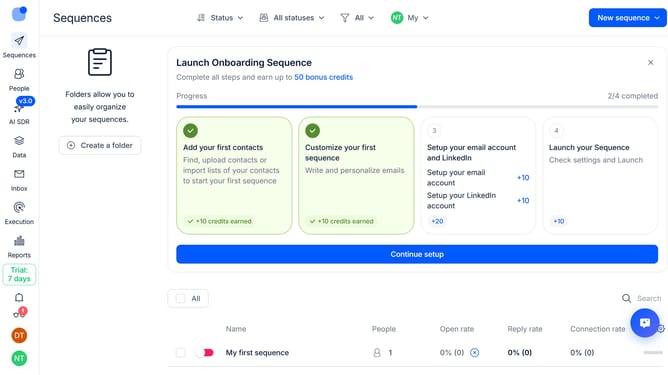
How to handle calls automatically in a sequence in Reply
Here is how to handle calls automatically in a sequence in reply
- First click on a sequence where you want to handle calls automatically
- Then click on "Settings" tab
- Next click on the dropdown button next to the "Calls handling" option
- Then click on the "How should we handle call steps" dropdown button
- Next select "Automatically" from the dropdown list
- Finally click on the "Save settings" button
Why should you How to handle calls automatically in a sequence in Reply
Reply.io is a powerful sales engagement platform designed to streamline outreach processes.
One standout feature is its ability to handle calls automatically in a sequence, allowing users to efficiently manage their communication efforts. When incorporated into your routines, this feature ensures that calls are executed in a strategic order, maximizing productivity and engagement opportunities.
This automation not only saves time but also enhances the consistency of your outreach, ensuring that no lead is overlooked. By utilizing this feature, teams can focus on what truly matters—building meaningful connections and driving results.
Last update