How to show deliveries sequence column in Reply
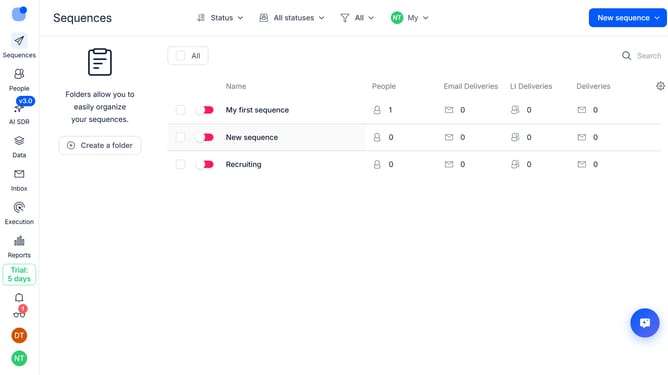
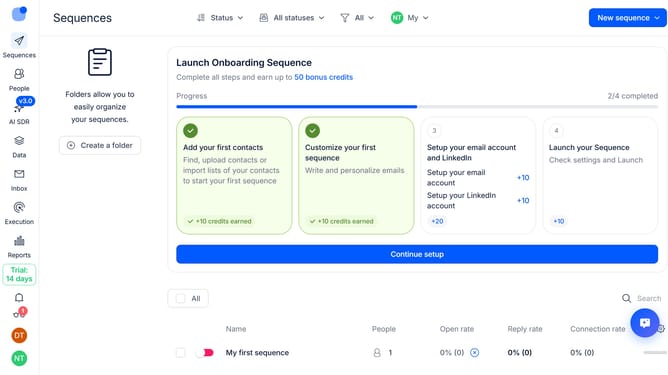
Here is how to show deliveries sequence column in reply
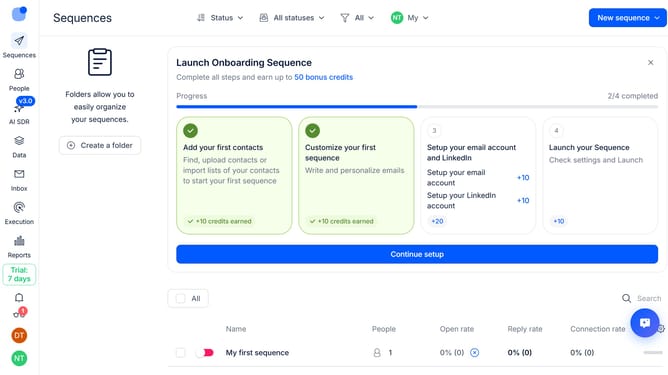
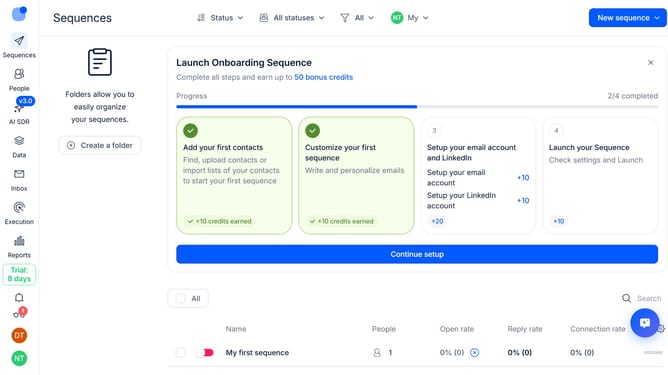
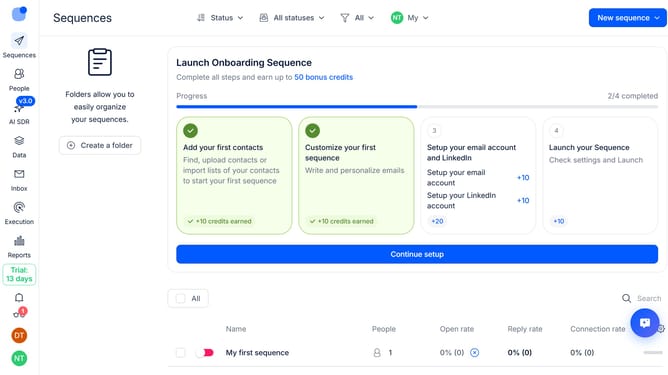
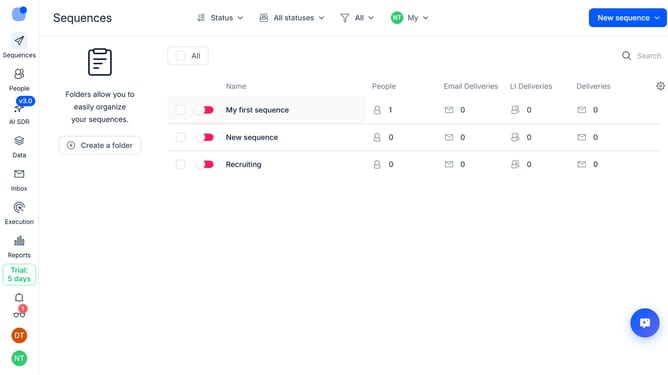
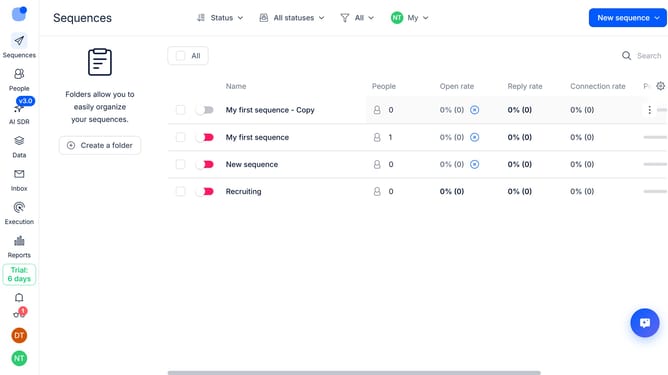
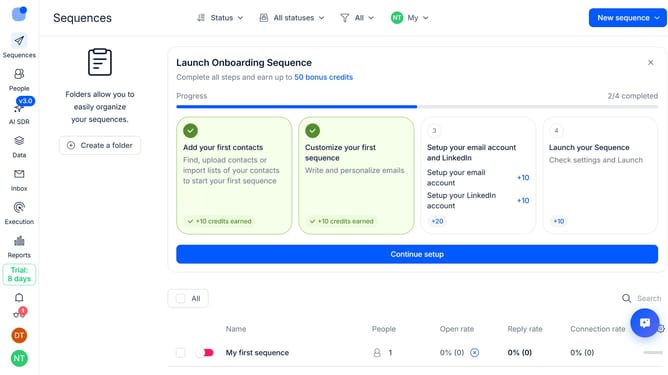
- First click on "Sequences" in the sidebar
- Then click on the gear icon in the top menu
- Next click on "Add column" in the dropdown menu
- Finally click on "Deliveries" in the new dropdown menu
Why should you How to show deliveries sequence column in Reply
Reply.io is an innovative platform designed to elevate your sales engagement by automating and optimizing outreach processes.
One of its standout features is the ability to display the deliveries sequence column, which empowers users to track the progression of their outreach efforts.
By utilizing this feature, users can gain a comprehensive view of each delivery step, allowing for improved monitoring and management of campaigns.
This visibility ensures that strategies are effectively implemented, fostering a more organized and efficient workflow.
Last update