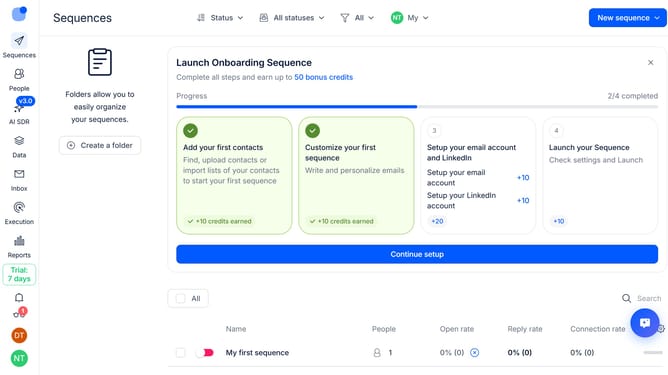
How to remove the daily contact limit for a sequence in Reply
Here is how to remove the daily contact limit for a sequence in reply
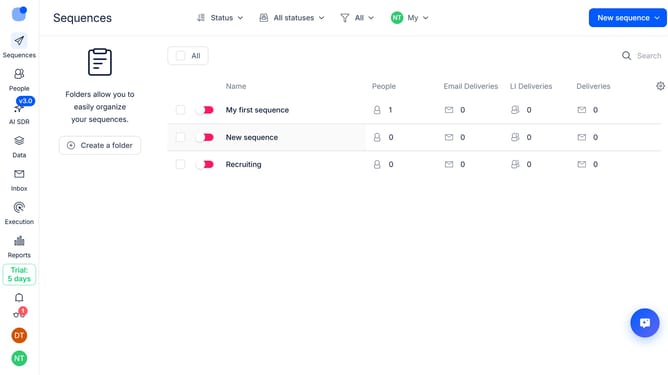
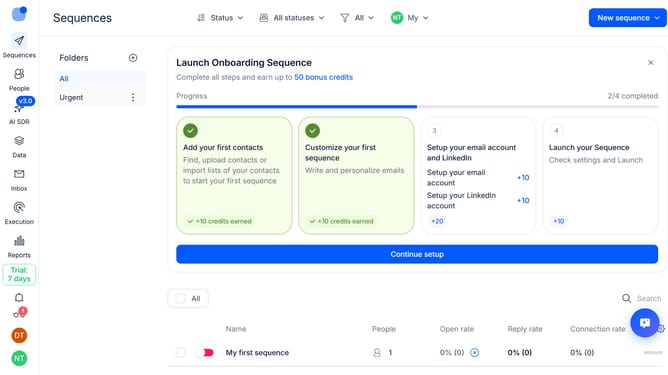
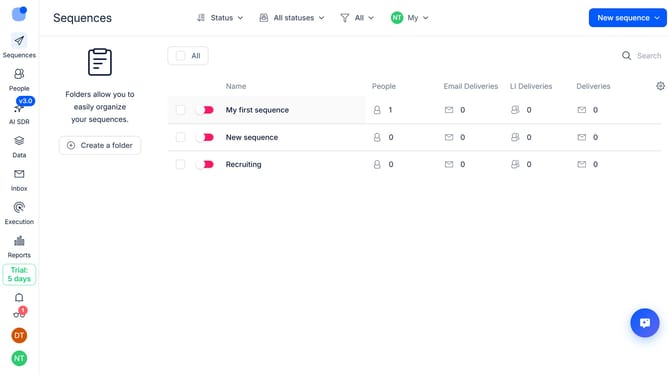
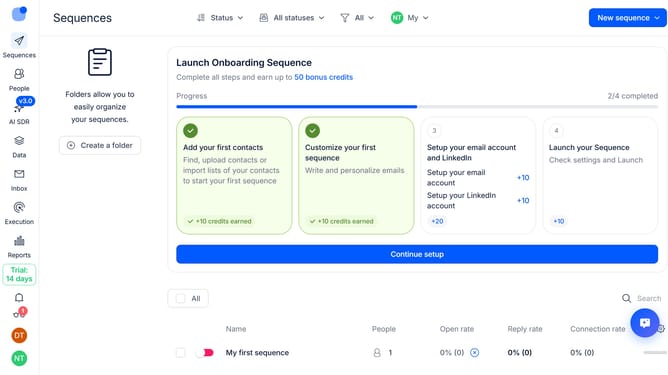
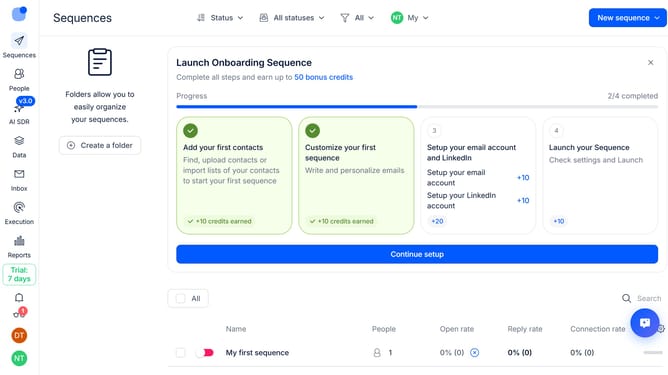
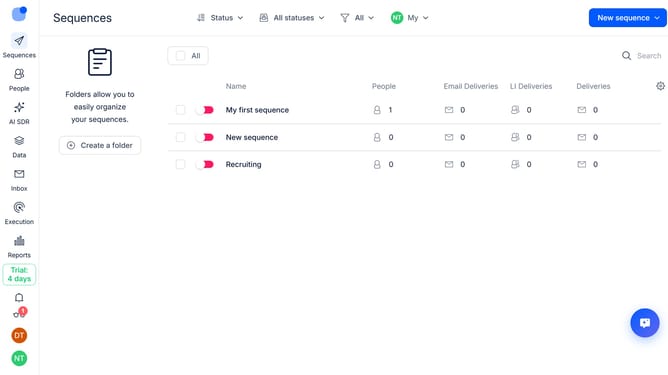
- First click on the sequence where you want to remove the daily contact limit
- Then click on the "Settings" button in the top menu
- Next click on the "General settings" dropdown button
- Then scroll down to view more options
- Next toggle on the "No limit on new daily contacts" switch
- Finally click on the "Save settings" button
Why should you How to remove the daily contact limit for a sequence in Reply
Reply.io is an intelligent sales engagement platform designed to streamline communication and enhance productivity.
One standout feature is the ability to remove the daily contact limit for a sequence. By lifting these restrictions, users can engage with more leads simultaneously, fostering greater outreach and improved connection rates.
Leveraging this feature allows businesses to maximize their reach without being constrained by daily caps. This increased flexibility can lead to higher conversion rates and more opportunities for meaningful interactions.
Ultimately, removing the daily limit empowers teams to work more efficiently, ensuring that communication efforts are both expansive and effective.
Last update