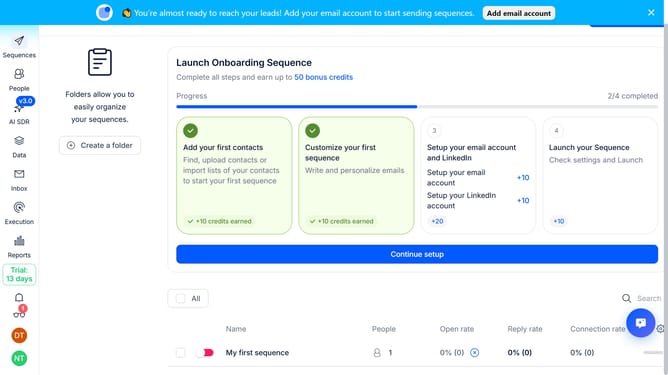
How to set the delay between emails in a sequence in Reply
Here is how to set the delay between emails in a sequence in reply
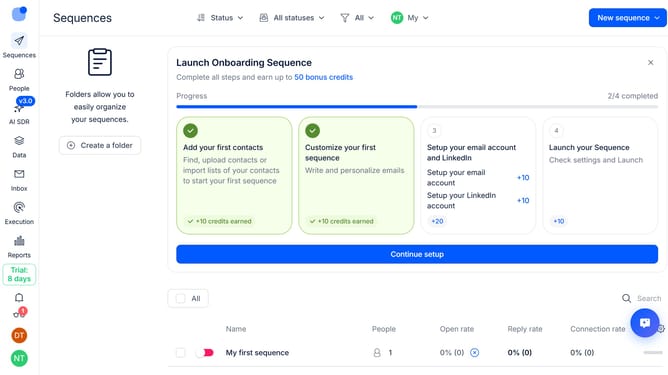
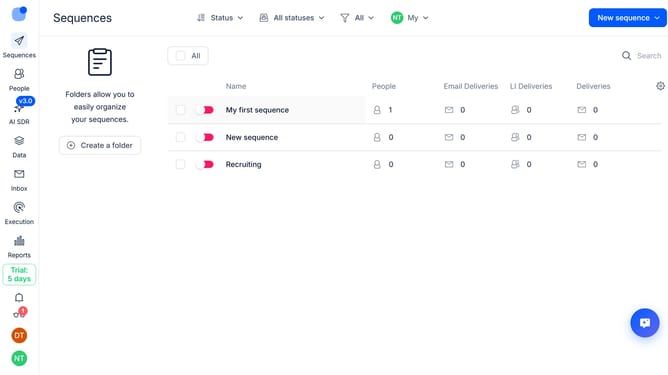
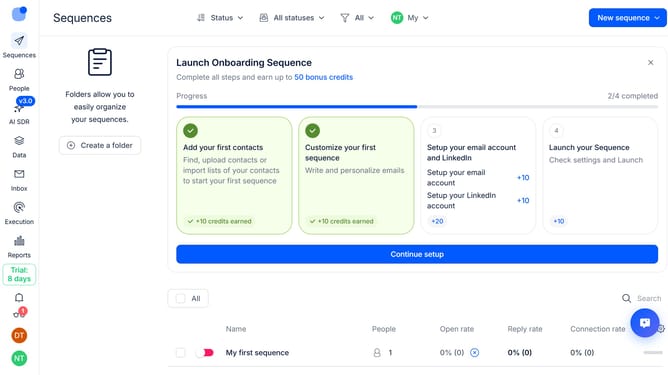
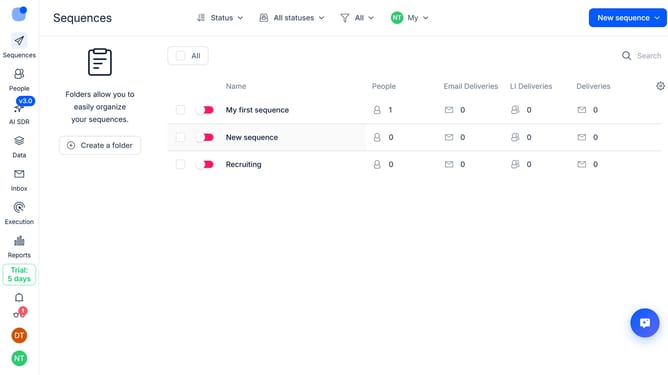
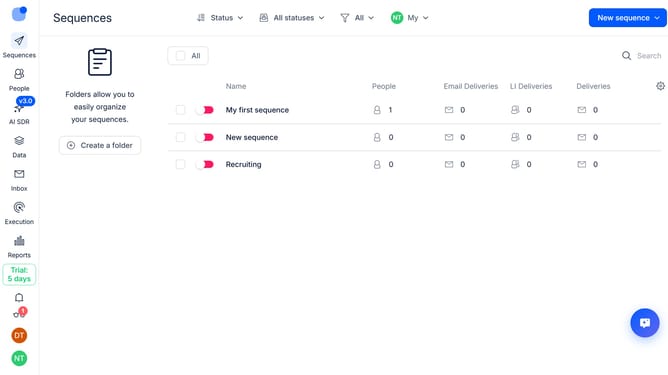
- First click on the on the sequence where you want to set the delay between emails
- Then click on "Settings" tab
- Next click on the dropdown arrow for "General settings"
- Then scroll down to view more options
- Next click on the time unit dropdown button to change the time unit
- Then select your preferred time unit from the dropdown button
- Next click on the delay between each email sent text input field and then change it to your preferred value
- Finally click on the "Save settings" button
Why should you How to set the delay between emails in a sequence in Reply
Reply.io is a powerful platform designed to automate and optimize your email communication processes.
Setting the delay between emails in a sequence within Reply allows for personalized timing, enhancing the effectiveness of your outreach efforts. By adjusting these intervals, you can mimic natural communication patterns, which helps in building trust and rapport with recipients.
This feature empowers users to strategically manage the flow of interactions, ensuring each email lands at the optimal moment. Ultimately, using this feature supports improved engagement rates and fosters more meaningful connections with your audience.
Last update