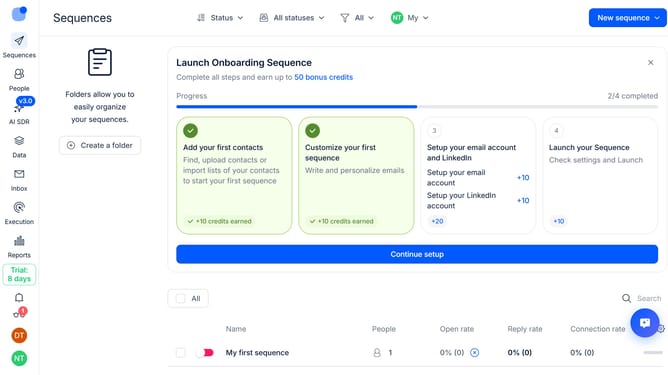
How to hide reply rate sequence column in Reply
Here is how to hide reply rate sequence column in reply
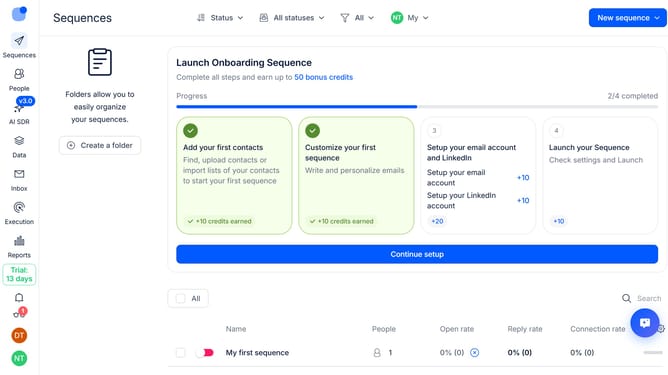
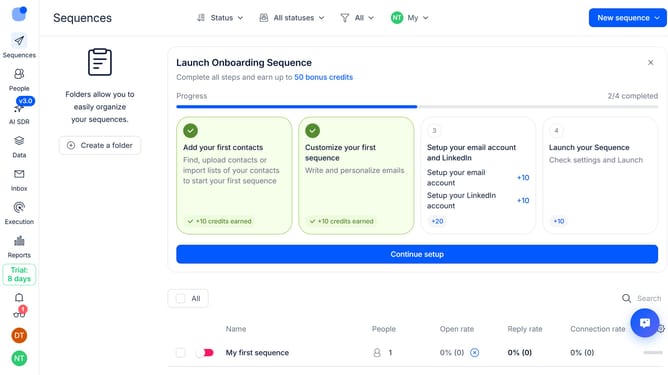
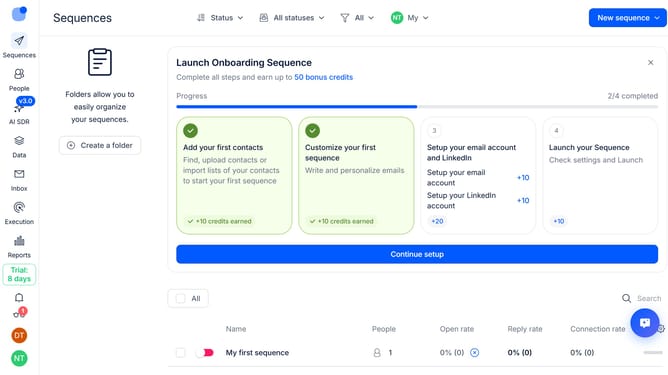
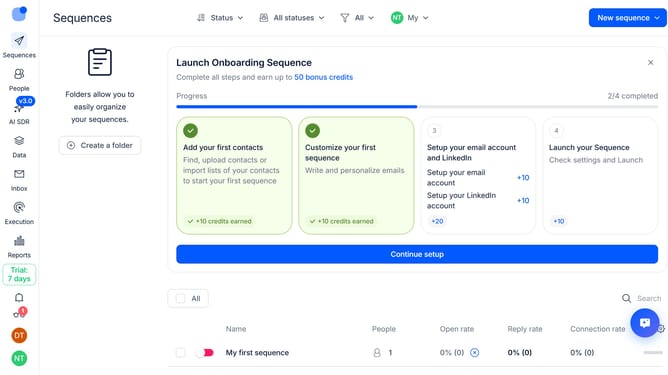
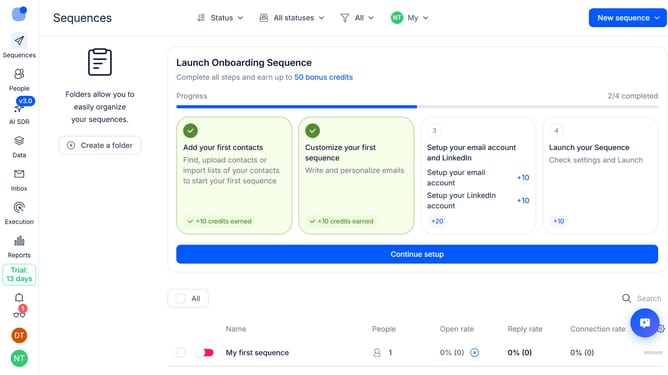
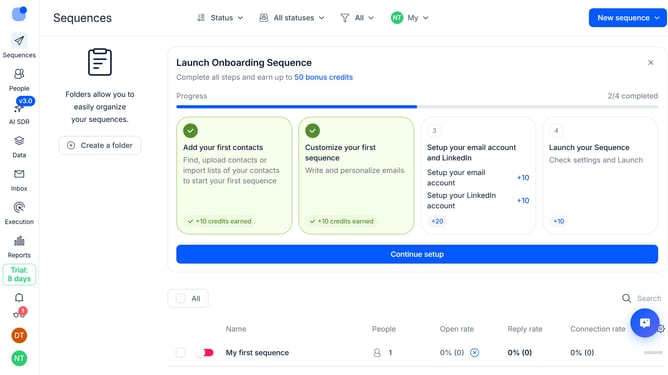
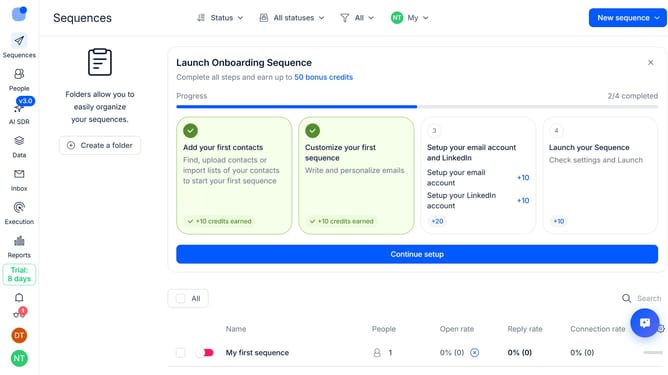
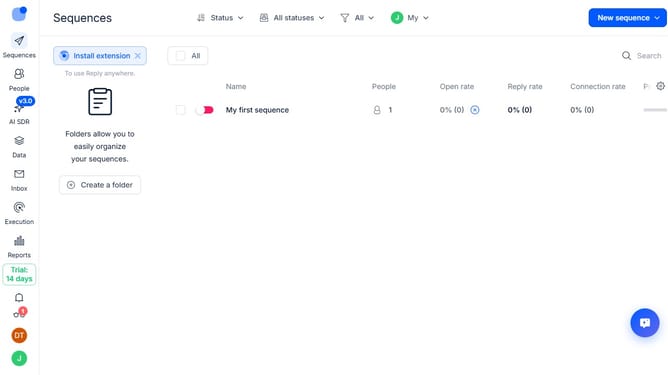
- First click on the "Sequences" item in the left sidebar
- Then click on the settings icon in the top right of the page
- Finally click on the 'x' icon next to the 'Reply rate' option
Why should you How to hide reply rate sequence column in Reply
Reply.io is a powerful sales engagement platform designed to streamline communication and boost productivity.
One of the standout features of Reply.io is the ability to customize your dashboard, including hiding the reply rate sequence column. This feature enhances focus by allowing users to concentrate on more critical metrics without distraction.
By decluttering the interface, users can prioritize key performance indicators that truly matter for their specific goals. This leads to increased efficiency and more targeted decision-making, enabling teams to optimize their outreach strategies effectively.
Last update