How to hide the company size column in contacts in Reply
Here is how to hide the company size column in contacts in reply
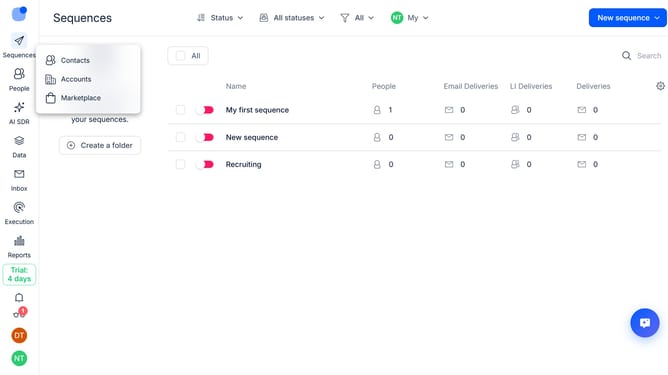
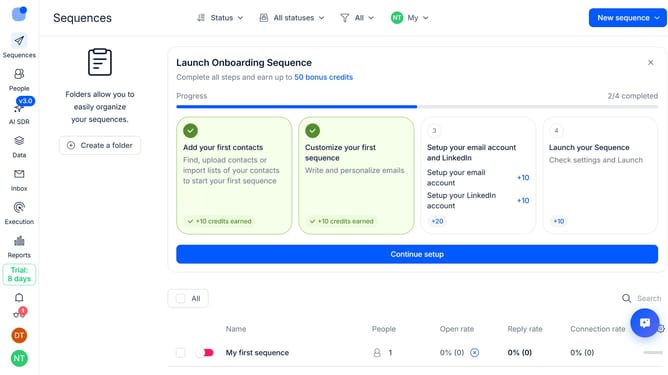
- First click on "People" icon in the left sidebar
- Then click on the settings icon on the right side of the page
- Finally click on the "X" button next to "Company size" in the displayed menu
Why should you How to hide the company size column in contacts in Reply
Reply.io is a powerful platform designed to streamline and automate your sales and outreach processes, enhancing productivity and connection.
Among its versatile features, the ability to customize your contact view, such as hiding the company size column, stands out.
This feature is particularly useful for professionals who prefer to focus on more relevant data points, ensuring their workspace is tailored to their specific needs.
By hiding the company size column, users can simplify their contact list, reduce visual clutter, and prioritize key information essential for their strategy.
Last update