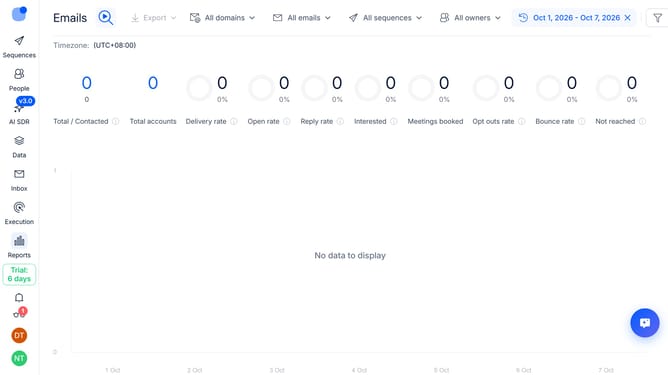
How to show email deliveries sequence column in Reply
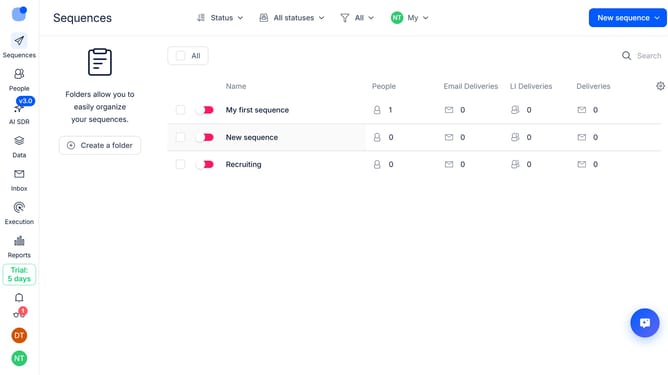
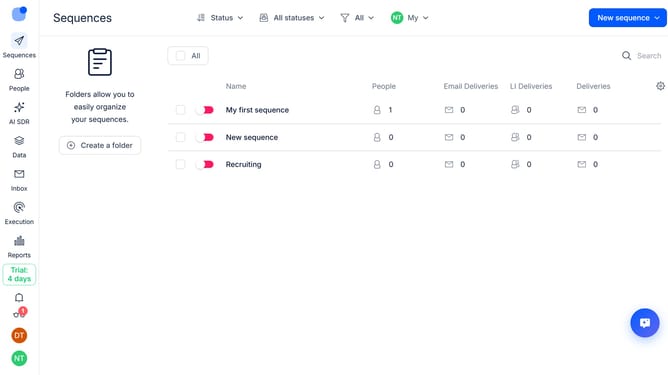
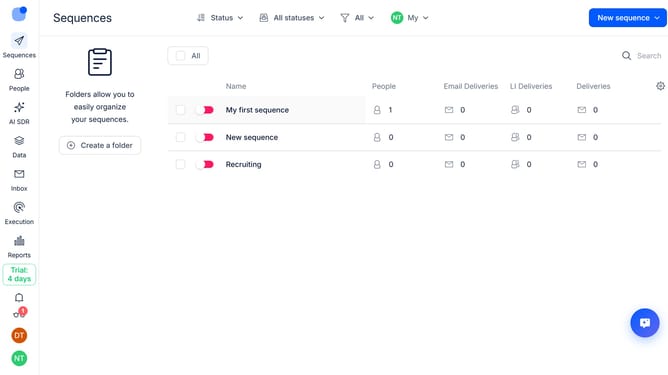
Here is how to show email deliveries sequence column in reply
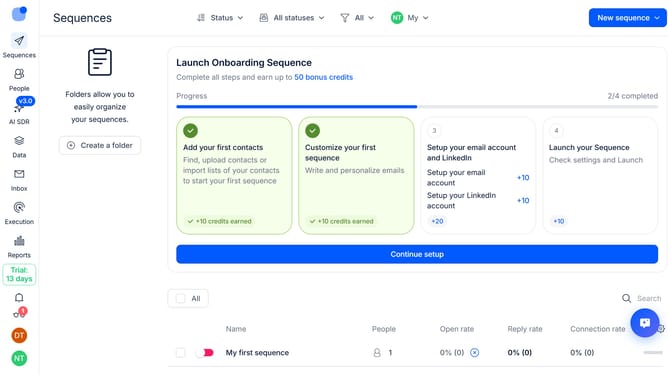
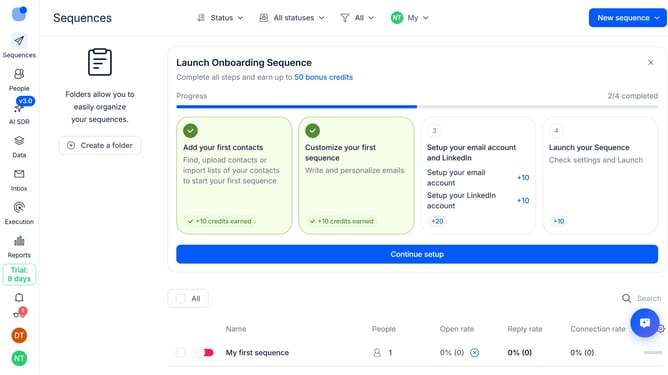
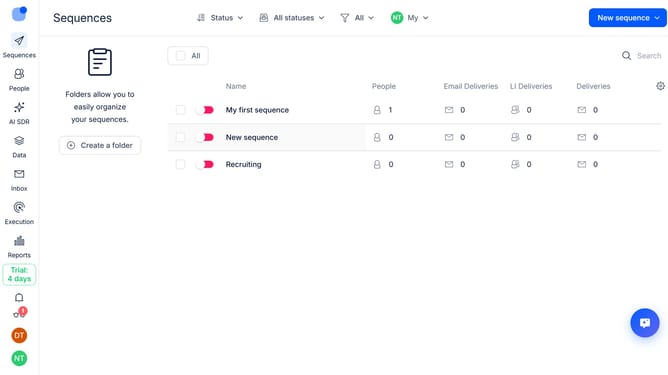
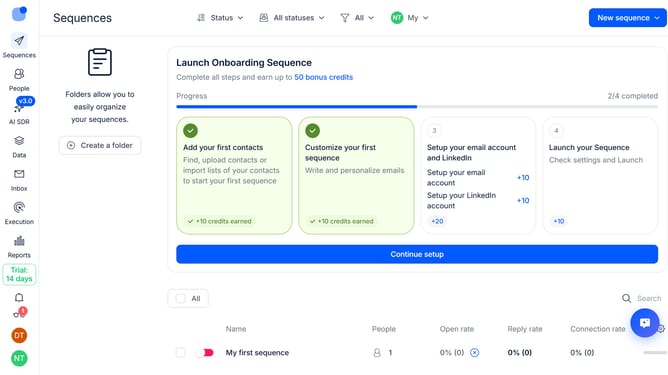
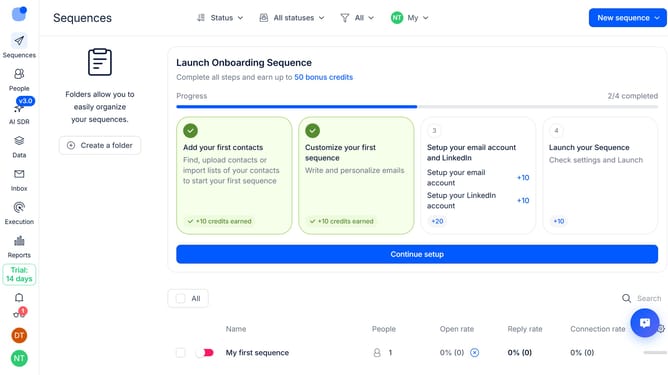
- First click on "Sequences" in the left sidebar
- Then click on the settings icon in the top-right of the page
- Next click on "Add column" in the dropdown menu
- Finally select "Email Deliveries" from the list of options
Why should you How to show email deliveries sequence column in Reply
Reply.io is a robust sales engagement platform designed to streamline your communication and enhance productivity.
Featuring an intuitive layout, Reply enables users to display the email deliveries sequence column, offering a clear, chronological view of your interactions.
This feature is essential for tracking communication patterns, ensuring that no conversation thread is missed, and providing insights into the campaign's flow.
Utilizing this feature fosters improved organization and allows for more strategic follow-up, ultimately optimizing your outreach efforts.
Last update