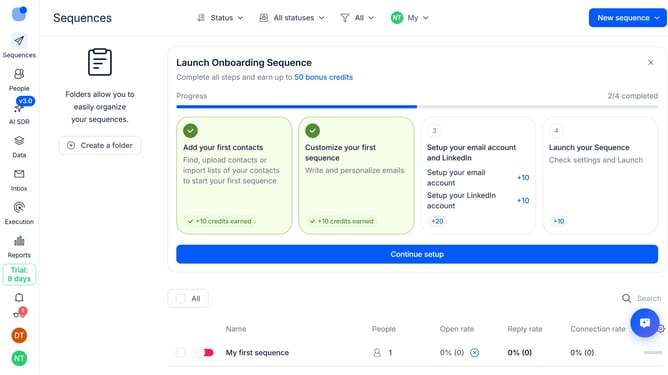
How to handle tasks automatically in a sequence in Reply
Here is how to handle tasks automatically in a sequence in reply
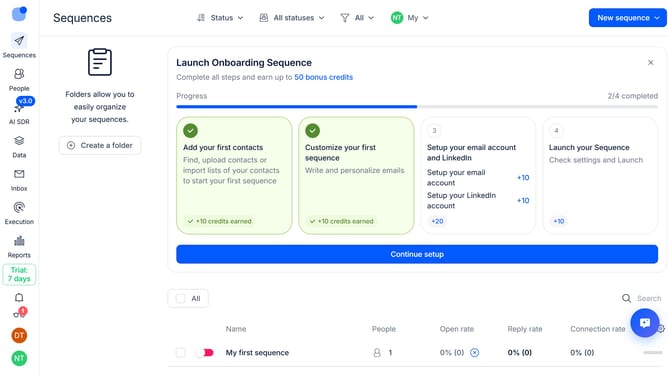
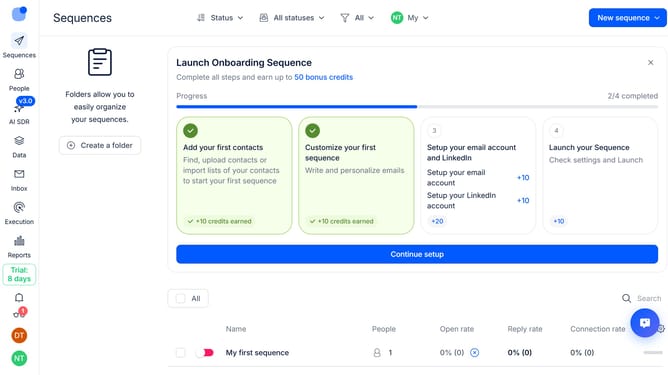
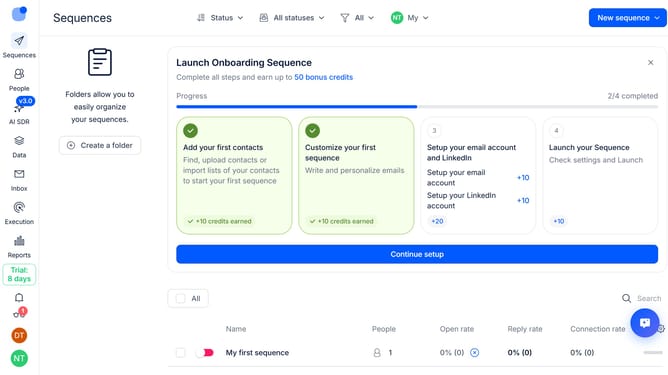
- First click on a sequence where you want to handle tasks automatically
- Then click on the "Settings" tab in the sequence details
- Next scroll down to view more options
- Then click on the "Tasks handling" dropdown button
- Next click on the "How to handle task steps" dropdown button
- Then select "Automatically" from the dropdown list
- Finally click on the "Save settings" button
Why should you How to handle tasks automatically in a sequence in Reply
Reply.io is an intuitive platform designed to streamline communication through automation.
This powerful feature allows users to automate tasks in a seamless sequence, enhancing productivity and efficiency. By organizing tasks into a pre-defined flow, it ensures that actions are executed in the correct order without manual intervention.
Using automatic sequences in Reply.io helps save time, reduces the risk of errors, and ensures that no step is missed in your workflow. This means more focus on strategy and engagement, leaving repetitive tasks to the reliable automation tool.
Last update