How to rename a folder in Reply
Here is how to rename a folder in reply
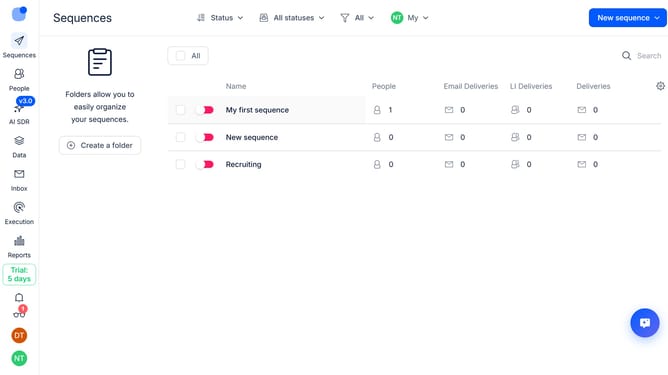
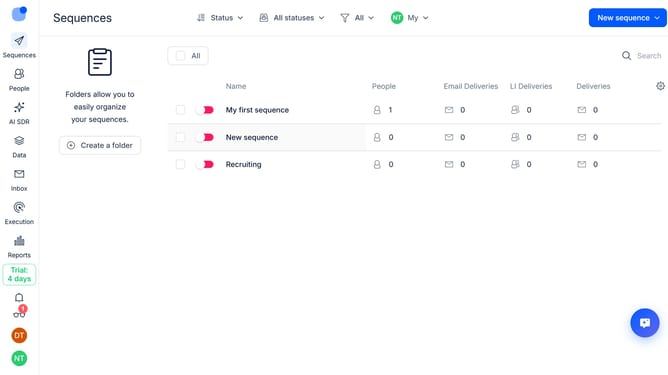
- First hover your mouse cursor over the folder that you want to rename
- Then click on the three dots icon next to the "Important" folder
- Next select the "Rename" option from the dropdown menu
- Then click the name text input field and enter the new name for the folder
- Finally click on the "Save" button
Why should you How to rename a folder in Reply
Reply.io is a powerful tool designed to streamline and optimize your sales engagement through automation and intelligent outreach.
Renaming a folder in Reply is a simple yet impactful feature that enhances your organizational efficiency. By giving your folders clear, descriptive names, you can easily categorize and access important data, streamlining your workflow.
This feature not only fosters a more organized work environment but also boosts productivity by reducing the time spent searching for information. Enjoy a seamless, clutter-free experience in managing your communications.
Last update