How to enable the List-Unsubscribe header for a sequence in Reply
Here is how to enable the list-unsubscribe header for a sequence in reply
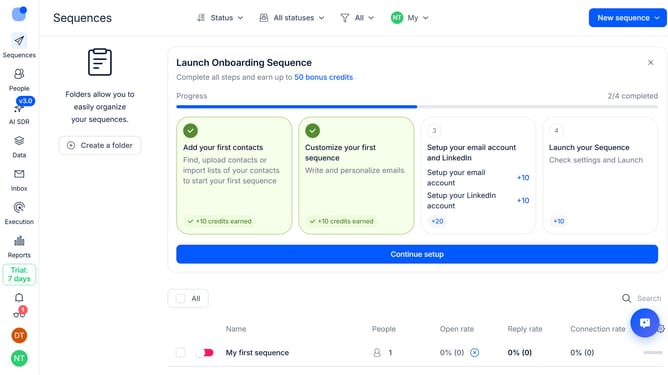
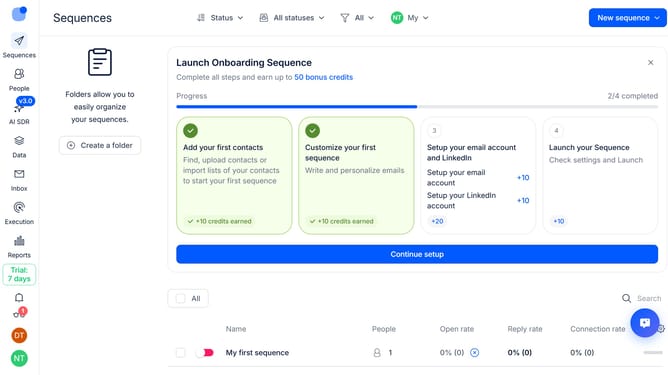
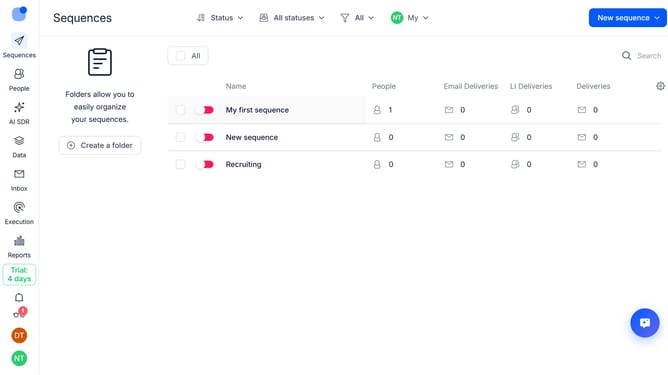
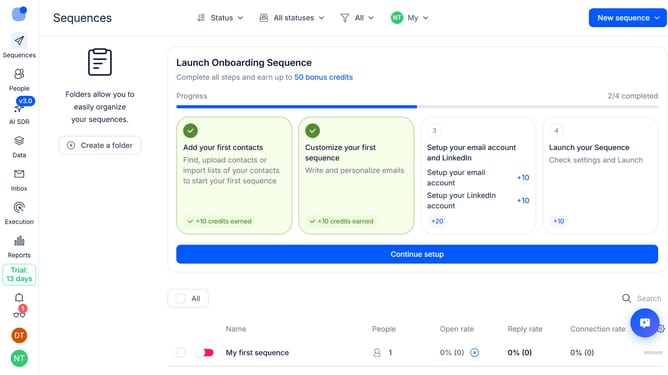
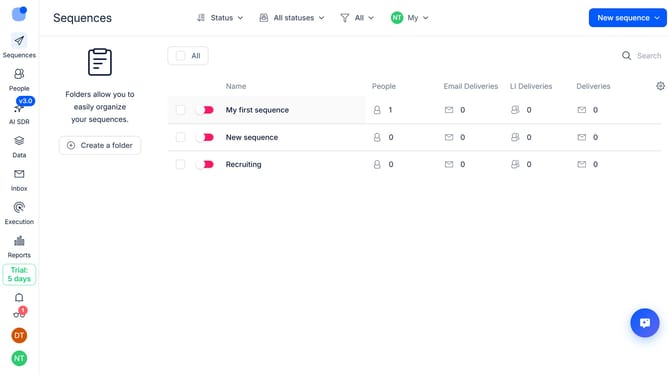
- First click on the sequence in the main content area
- Then click on "Settings" in the top menu
- Next click on the arrow icon next to the "General settings"
- Then toggle on the switch next to "Enable List-Unsubscribe header for all emails from this sequence"
- Then scroll down to view more options
- Finally click on the "Save settings" button
Why should you How to enable the List-Unsubscribe header for a sequence in Reply
Reply.io is a powerful platform designed to streamline email communication and drive engagement through automation.
One key feature within Reply is the ability to enable the List-Unsubscribe header for a sequence. This feature offers recipients a straightforward way to opt out of unwanted emails, enhancing user experience.
By adding this header, senders can reduce spam complaints and increase deliverability rates. It demonstrates respect for recipients' preferences, fostering trust and maintaining a positive brand image.
Enabling List-Unsubscribe not only simplifies the unsubscribe process but also aligns with best practices in email marketing, promoting healthier email interactions.
Last update