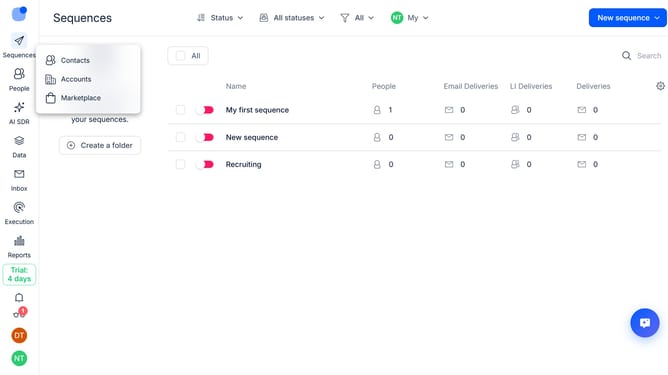
How to hide owner column in Reply
Here is how to hide owner column in reply
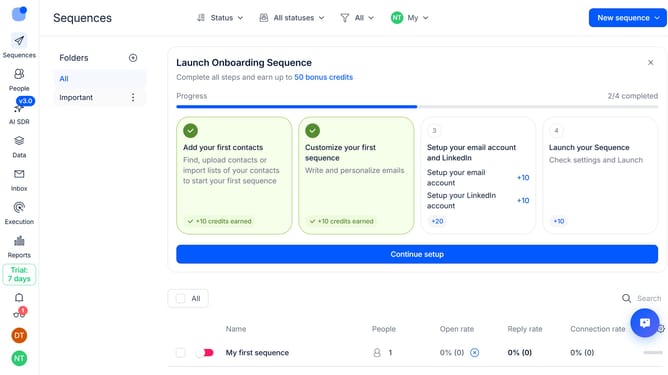
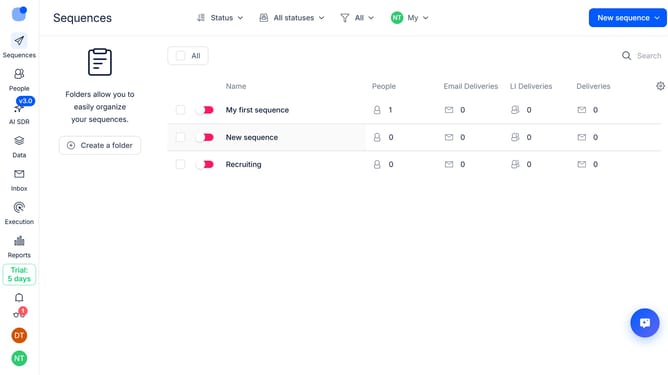
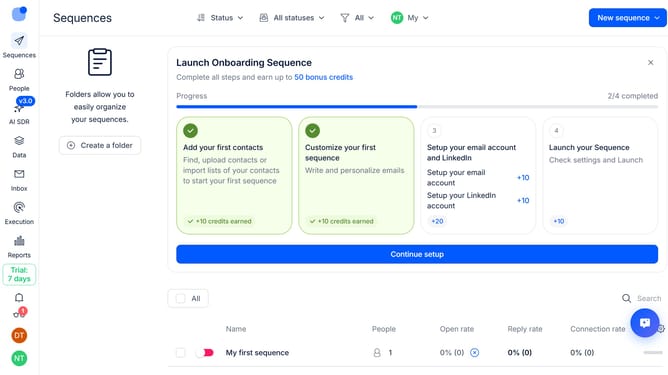
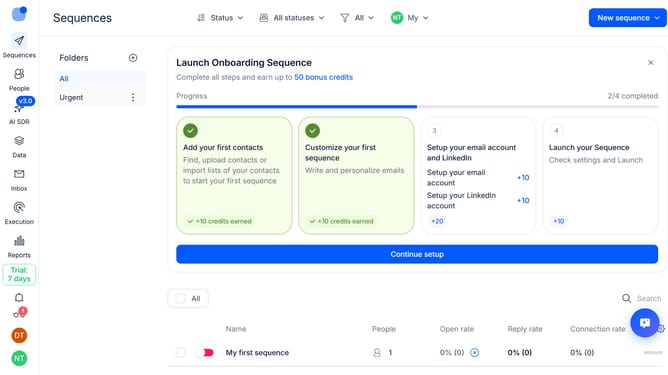
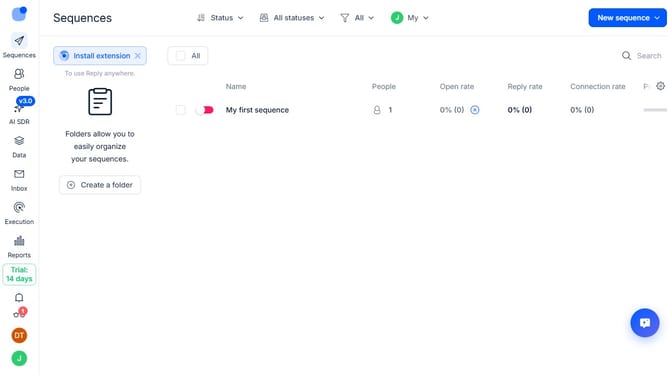
- First click on "Sequences" in the left sidebar
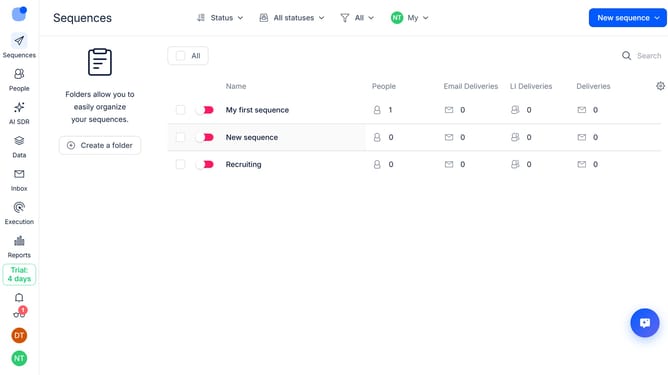
- Then click on the settings icon in the main content area
- Finally click on the "x" button next to the "Owner" option
Why should you How to hide owner column in Reply
Reply.io is a dynamic sales engagement platform designed to automate and optimize the customer communication process.
A key feature of Reply.io is the ability to hide the owner column in your interface. By utilizing this feature, team members can focus on the most relevant data, streamlining workflow and enhancing productivity.
Hiding the owner column allows team collaboration without unnecessary distractions. It provides clarity, helping users concentrate on core tasks, maintaining an organized and efficient environment.
Last update