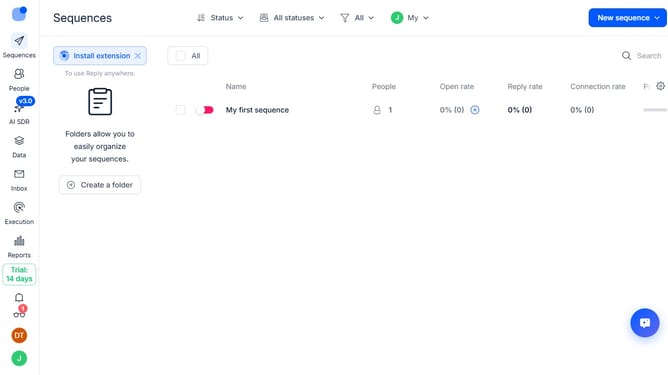
How to show connection rate sequence column in Reply
Here is how to show connection rate sequence column in reply
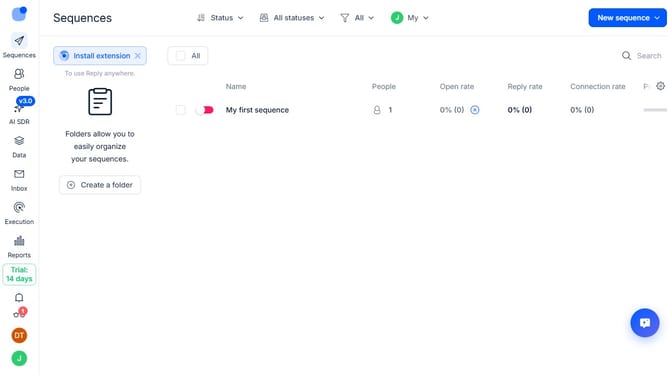
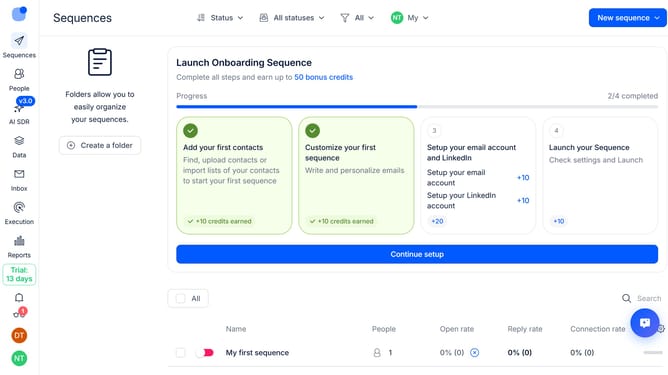
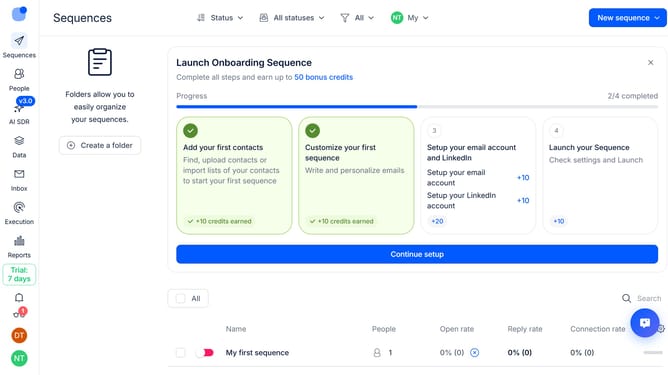
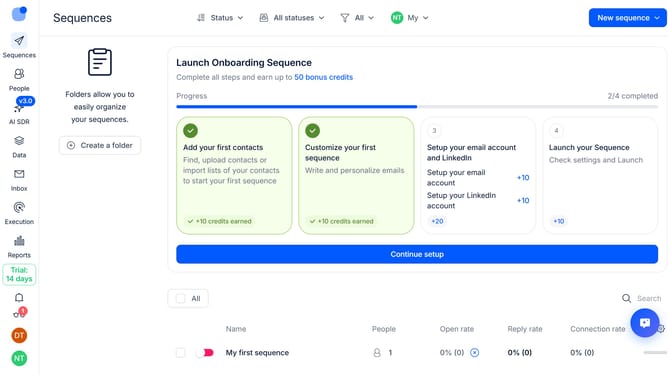
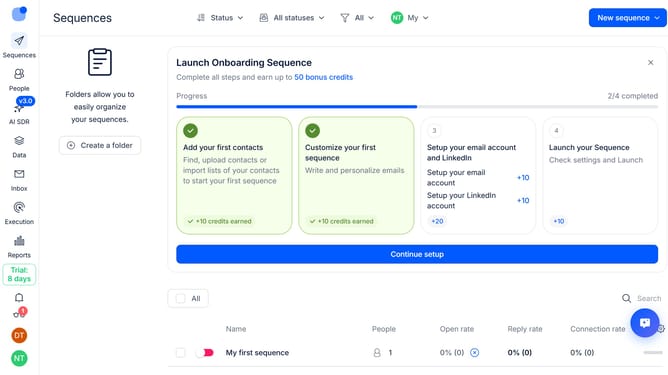
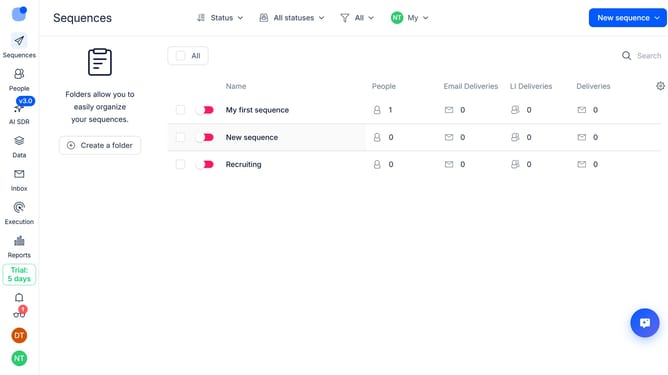
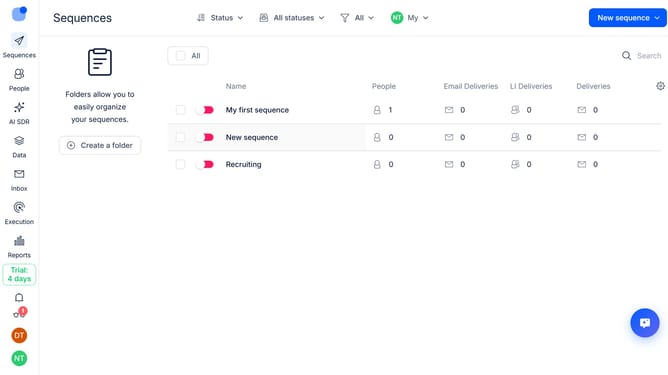
- First click on "Sequences" in the left sidebar
- Then click on the gear icon in the top-right of the page
- Next, click on "Add column" option from dropdown
- Finally, select "Connection rate" from the dropdown menu
Why should you How to show connection rate sequence column in Reply
Reply.io is a robust sales engagement platform designed to streamline and optimize your outreach efforts.
The connection rate sequence column in Reply offers a valuable perspective into how effectively your outreach sequences are fostering connections with your leads. By visualizing these rates, you gain the ability to identify patterns that inform better decision-making for your campaigns.
Utilizing this feature empowers teams to refine their strategies, ensuring they focus on approaches that maximize engagement. It provides invaluable insights, enabling data-driven adjustments to enhance overall sales effectiveness.
Last update